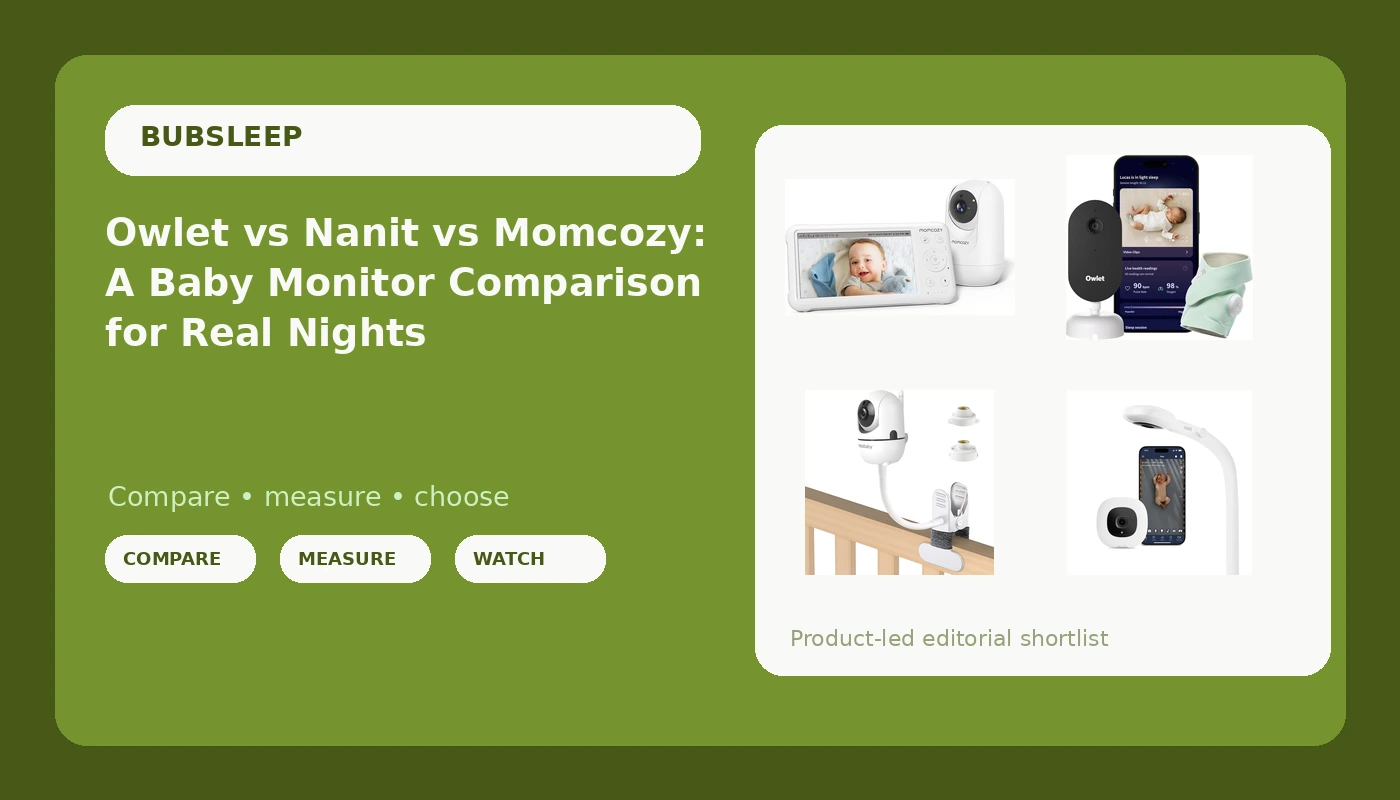
I have been a pediatric nurse for nine years and a mom for five of them, and I have spent more nights watching a baby monitor than I have spent sleeping. My first registry monitor taught me the lesson that runs this entire baby monitor comparison: a camera that cannot see in the dark is a radio with a screen. I have stood in a NICU next to parents who were trusting a gray blur at 3 a.m., and I have watched a router hiccup turn a perfectly good nursery into a black box. So I compare monitors the way I use them, at 2 a.m., from the kitchen, with one hand, half asleep, and with a toddler in the next room.
For most families in this lineup, the Momcozy Video Baby Monitor is the pick, because a dedicated 5-inch screen and a camera that does not route through my router solve the two problems that actually wake me up. The Owlet Dream Duo 3 is the pick if you want vitals and a camera in one system. The Nanit is the pick if you live in the app and want the sleep data. And the clamp mount is the cheap fix for the thing nobody budgets for, which is getting the camera pointed at the crib instead of the wall.
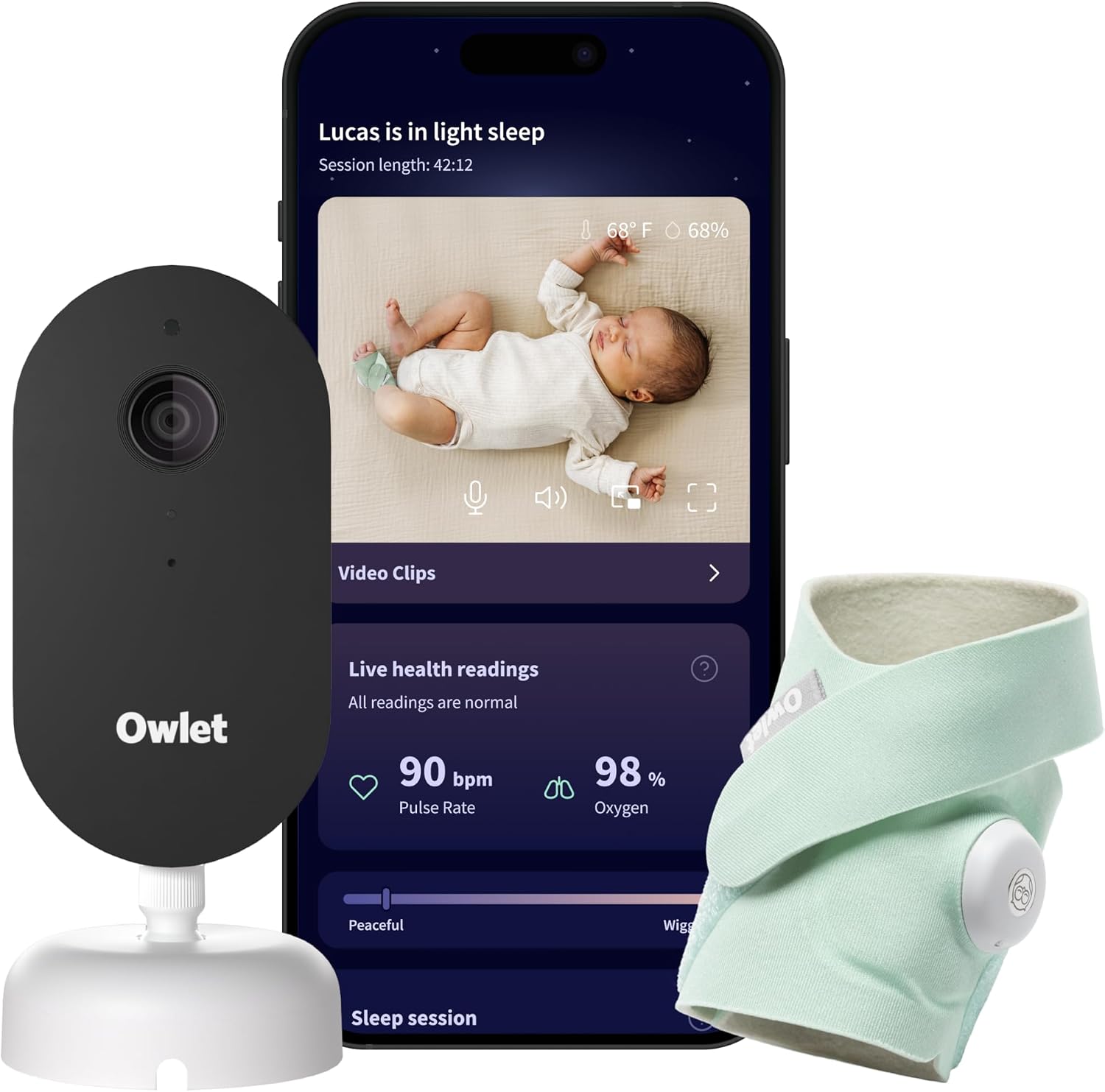
Owlet Dream Duo 3 Smart Baby Monitor System, Dream Sock + 2K HD Camera
The only system here that watches something the camera cannot, with a 2K HD camera covering the rest of the room
No parent unit, so your phone becomes the screen, and the feature tiers are worth checking before you buy
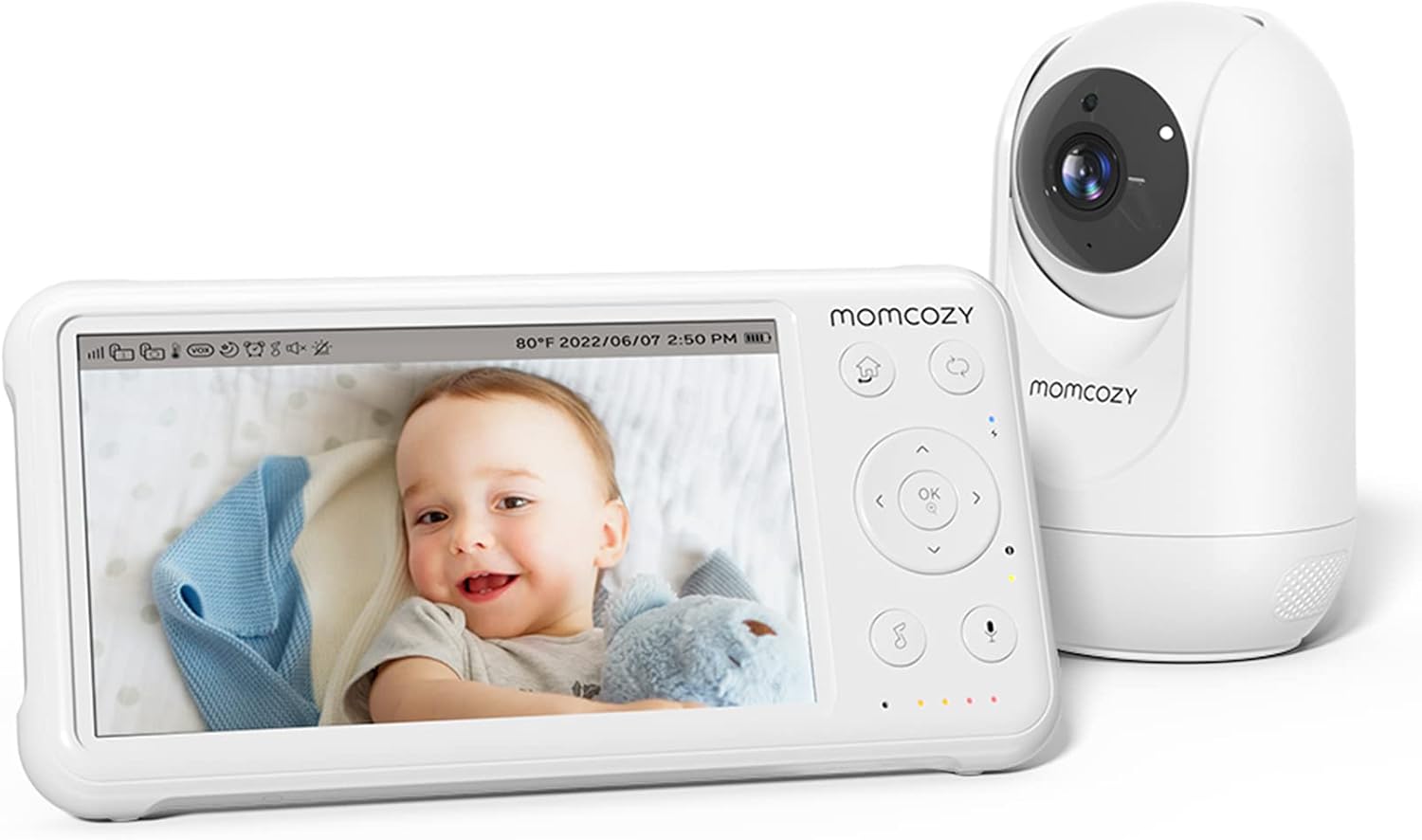
Momcozy Video Baby Monitor, 5" 1080P HD Baby Monitor with Camera and Audio
A dedicated 5-inch 1080p screen means no app, no login, and no router between you and the crib
No sleep data or nightly insights, and the screen is one more device to charge
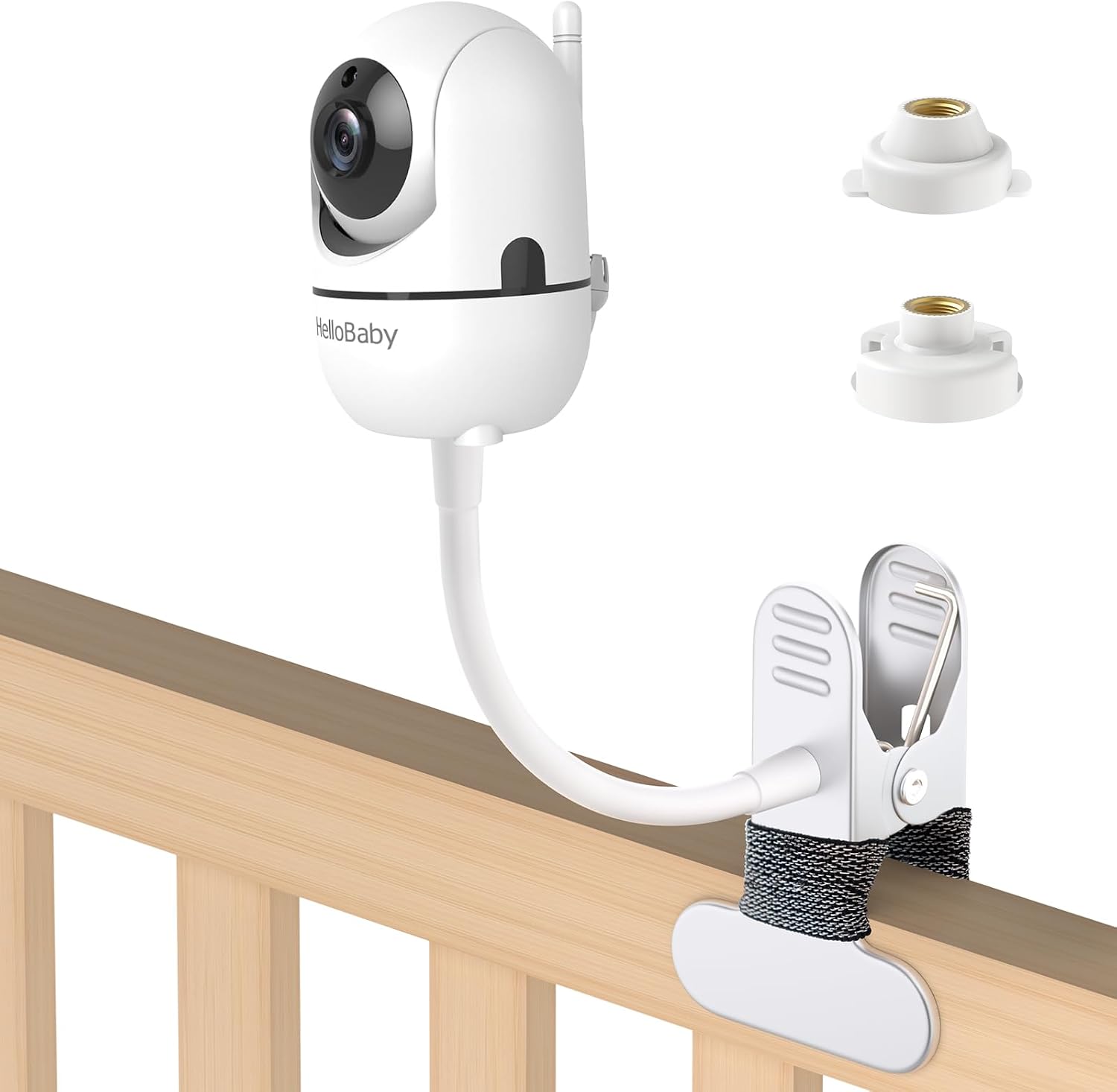
Baby Monitor Mount Compatible with HelloBaby for HB6550/ HB6560/ HB65/ HB6351/ HB40/ HB6339/ HB6336, ANMEATE SM935E Monitor, Adjustable Baby Monitor Stand Flexible Clip Clamp Mount No Drilling
Fixes the most common monitor problem, which is a camera aimed at the ceiling, with no drilling and no wall damage
It is an accessory, not a monitor, and it only fits the models on its compatibility list
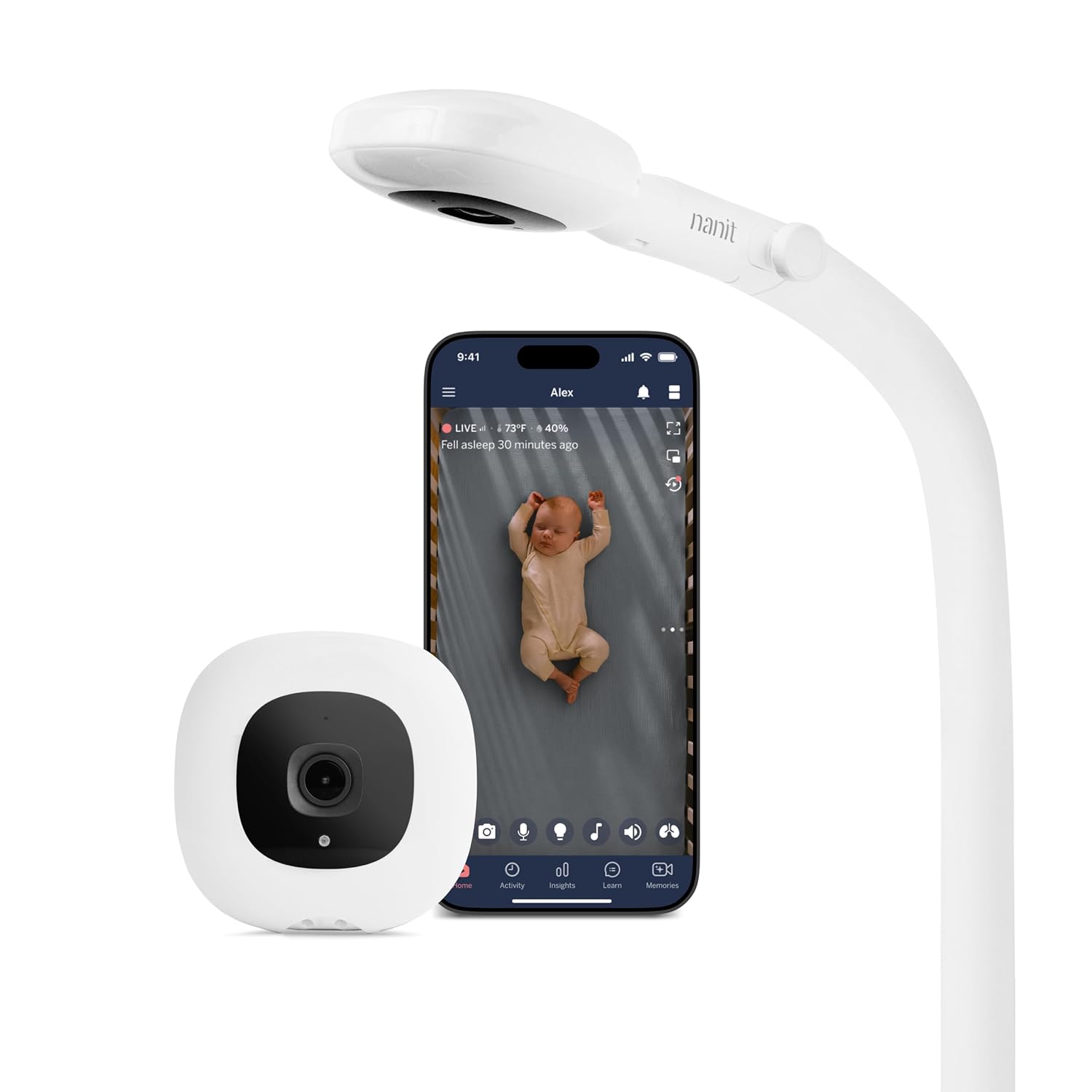
Nanit Smart Baby Video Monitor - Camera & Floor Stand - 1080p Wi-Fi Camera
The included floor stand delivers the overhead crib view without shelves or holes in the wall
Wi-Fi and app dependent, and the sleep insights that sell it sit behind a subscription
Prices and availability were captured from Amazon Creators API and may change.
How I judge a baby monitor
Four questions, and none of them is about resolution.
Is the night vision usable in pitch dark? Not "does it have night vision," because every box claims that. The question is whether I can see the rise and fall of a chest, or whether I am looking at a suggestion of a baby. If I have to walk down the hall to confirm anything, the night vision failed.
Does the parent unit survive the night? A handheld screen that dies at 2 a.m. is worse than no screen at all, because it taught you to trust it. I want a screen I can set on the nightstand at bedtime and still read at 6 a.m. without hunting for a cable.
What happens when the Wi-Fi drops? This is the whole argument in my house. A Wi-Fi camera is brilliant until the router reboots, the ISP blinks, or the firmware updates itself at the exact moment your baby rolls onto their stomach.
Would I trust it with my own kid at 3 a.m.? That is the only review that counts. Everything else is a spec sheet.
The Owlet Dream Duo 3: vitals plus a camera
The Owlet Dream Duo 3 Smart Baby Monitor System is the only product in this comparison that watches something the camera cannot see. The Dream Sock goes on the baby, and the 2K HD camera covers the room. If you have ever spent a night staring at a feed trying to decide whether the blanket is moving, you understand why that combination appeals: one half of the system watches the baby, and the other half watches the space around them.
What I like about it as a nurse is the way it frames the problem. Parents do not actually want a video feed. They want to know their baby is fine. The sock addresses that question directly, and the camera supplies the context around it.
What I do not love is that this is a system, not a monitor. There is no parent unit in the box, so your phone is the screen, which means your phone is on the nightstand and the nightstand is now a charging station. Before you buy, read exactly which features are included and which sit behind a subscription, because app-first systems change their tiers more often than they change their cameras. If your house has flaky Wi-Fi, this is the wrong first purchase. (Visit on Amazon →)
The Nanit: the camera for people who like data
The Nanit Smart Baby Video Monitor ships with a floor stand, and the floor stand is the underrated part. An overhead view of the crib is the angle that actually tells you something, and getting that angle usually means drilling into a wall or clearing off a shelf. The Nanit's stand solves it out of the box.
The camera itself is a 1080p Wi-Fi unit, so it lives in the same category as the Owlet: your phone is the screen, and your router is the weak link. If you want sleep insights and a record of the night, that is what you are buying. If you want to glance at a screen on the counter while you make coffee, that is not what this is.
My honest read: the Nanit is a great camera for a parent who enjoys the data and a frustrating camera for a parent who just wants to see the crib. I have met both parents. Only one of them ends up happy with an app-first monitor, and it is not the one who is up every 90 minutes. (Visit on Amazon →)
The Momcozy Video Baby Monitor: the dedicated-screen pick
The Momcozy kit pairs a camera with a 5-inch 1080p screen, and that screen is why it wins this comparison for most people. A dedicated screen is one less thing between you and your baby at 3 a.m. There is no app to open, no login, no update prompt, and no notification you have to swipe past while your kid is crying.
The 1080p camera and audio cover the basics, and the 5-inch display is big enough to read a face without leaning in. That is the whole job. If you want a monitor that sits on the counter, runs all night, and does not care what your internet is doing, this is the shape of the product you want.
The trade-off is real, though. You are not getting sleep tracking or a nightly report, and a dedicated screen is another device to charge and eventually another device to lose under a couch cushion. For a lot of families that is a fair trade. For the parent who wants to check in from the office, it is not. (Visit on Amazon →)
The clamp mount: the accessory that fixes the real problem
Here is what I say to almost every new parent who complains about their monitor: your camera is probably pointed at the wrong part of the room. The Baby Monitor Mount is an adjustable clamp with a flexible arm that grips a crib rail, a shelf, or a dresser edge and holds the camera where you actually need it. No drilling, no wall anchors, no landlord conversation.
It is built for a specific list of HelloBaby models and the ANMEATE SM935E, so check that your monitor appears on the compatibility list before you order. It is an accessory, not a monitor, and it will not fix bad night vision or a weak signal. But if your problem is that you can see the ceiling fan and not the baby, this is the cheapest fix in this article by a wide margin, and it costs a fraction of what a floor stand runs. (Visit on Amazon →)
Wi-Fi or local: what actually breaks at 3 a.m.
Every Wi-Fi monitor I have used is wonderful until it is not, and it is never not at a convenient time. Routers reboot for firmware. ISPs drop for maintenance windows. Your phone decides to install an update. None of that happens during a nap you were watching from the couch. It happens at 3 a.m. on a Tuesday.
A dedicated screen is not magic. It can lose signal, it can run out of battery, and it can be dropped in a hallway. But its failure modes are physical and predictable, and I can fix them by moving closer or plugging in a cable. A dropped Wi-Fi feed fails in a way that leaves you staring at a spinner while your baby cries.
My rule: if you want a screen you can glance at while doing dishes, buy the screen. If you want sleep data and remote check-ins, buy the app camera and accept the router as a roommate.
The trade-offs nobody puts on the box
Three things to price out before you check out, none of which appear in the headline specs.
The subscription. App-first systems often put their best features behind a plan. Check what the free tier includes on the day you buy, because that answer changes.
The second camera. If you have two kids, you will want two feeds, and that usually means either two kits or a system that supports multiple cameras. Buying twice is more expensive than buying once.
The mount. Almost nobody budgets for the mount and almost everybody needs one. The camera has to sit above and slightly outside the crib to see the whole mattress, and that is a position most furniture does not offer.
Should you buy the mount or a new monitor first?
Buy the mount first. If you already own a monitor and the picture is useless because of where the camera sits, a clamp mount fixes it for less than the cost of a pizza night, and you can stop shopping. I would rather you spend the small money on the angle and the big money on night vision than the other way around.
Buy a new monitor if the night vision is genuinely unusable in a dark room, if the parent unit cannot make it to morning, or if the feed drops every time someone uses the microwave. Those are hardware problems, and no accessory solves them.
What I am watching next
I have two more monitors on the counter for the next round of overnight checks, and one of them is a budget unit that I keep expecting to disappoint and that keeps not disappointing. The question I am testing is the same one I always test: can I see a chest rise at 3 a.m. from the kitchen, and does the screen still hold a charge when the sun comes up. When I have answers, they will land here.
If you are still deciding, start with the question that matters. Not how many pixels, but whether you can see your baby in the dark.