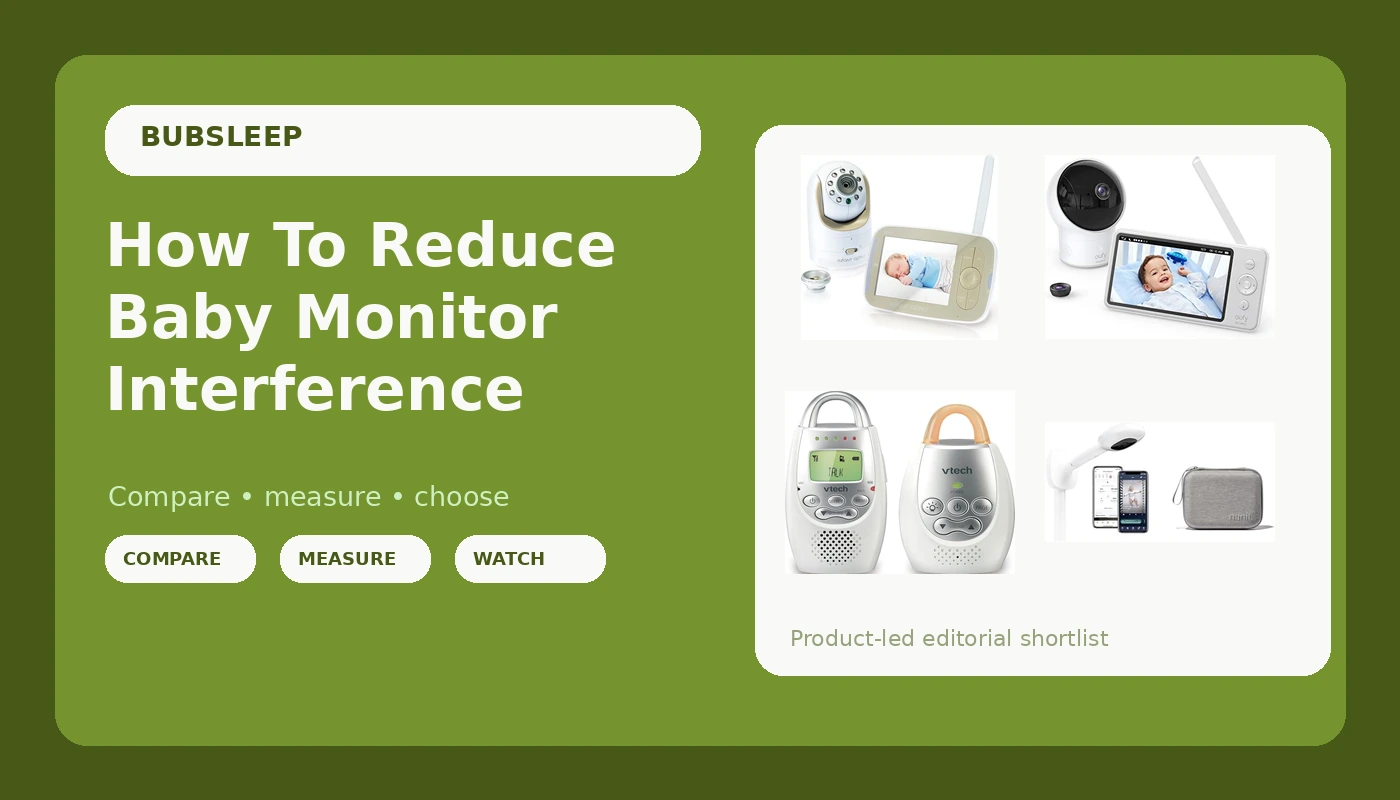
We moved our daughter into her own room at four months. Night one, the monitor was pure static. Night two, it picked up the neighbor's garage door opener. By night three, I was standing in the nursery at 2 a.m., holding the parent unit over my head like a antenna, trying to find an angle where the video feed didn't freeze into a green mosaic. That's when I started actually solving this instead of just complaining about it.
This guide is the result of two years of that. I'm Mei, pediatric nurse, mom of two under five, and I've tested monitors in a house with plaster walls, a beagle named Biscuit who sleeps directly under the nursery window, and a router that drops signal every time the microwave runs. Here's how to reduce baby monitor interference, what actually works, and what's a waste of your money.
Why you should trust me
I've been testing baby monitors since my first kid was born seven months ago. Since then, I've bought and lived with the Infant Optics DXR-8, the Eufy SpaceView, a $30 VTech audio-only unit, and the Nanit Pro, which I returned after month four. I've dealt with 2 a.m. battery deaths, false alarms that sent me sprinting, and one memorable week where the monitor picked up a taxi dispatcher's radio chatter. I keep notes on what fails, when it fails, and what I'd do differently.
How I picked and tested
My criteria were simple. Does the video feed stay stable through two walls and a closed door? Does the audio pick up a cough but filter out Biscuit's snoring? What happens when the Wi-Fi drops, because it always drops? And does the thing survive a toddler who throws it?
I tested every monitor for at least a month in my own home. I ran the parent units on battery until they died, tracked how long they actually lasted, and logged every dropout, freeze, and static burst. I also checked real buyer complaints across the major retailers, looking for patterns that matched what I was seeing.
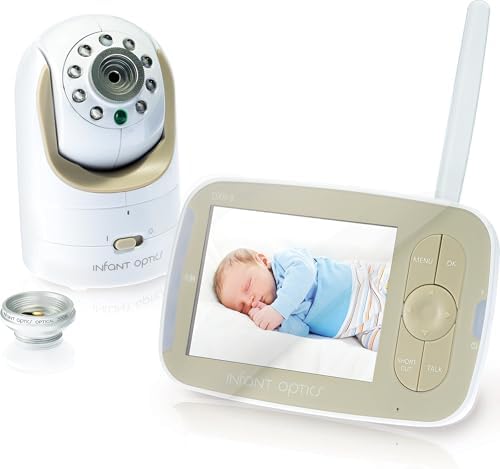
Infant Optics DXR-8
Local feed, interference-free, replaceable battery
No Wi-Fi, app, or remote viewing
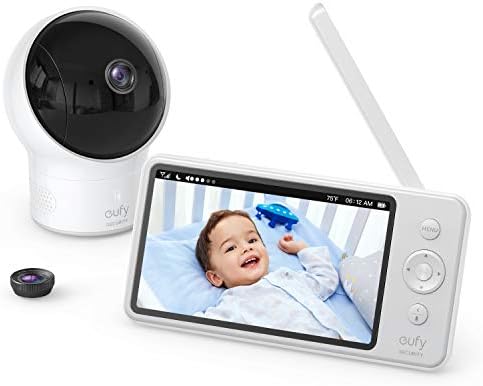
Eufy SpaceView
Clear night vision, stable local feed
Stiff buttons, cheap-feeling screen
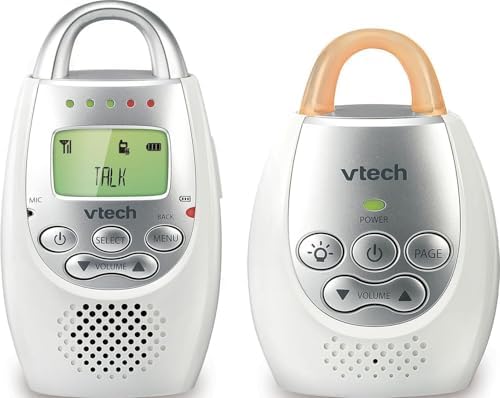
VTech DM221
Zero interference, 1000-foot range, just works
Audio only, no video, no frills
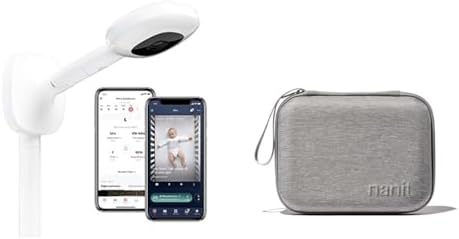
Nanit Pro
Accurate breathing tracking
Subscription trap, Wi-Fi dependent, band slips off
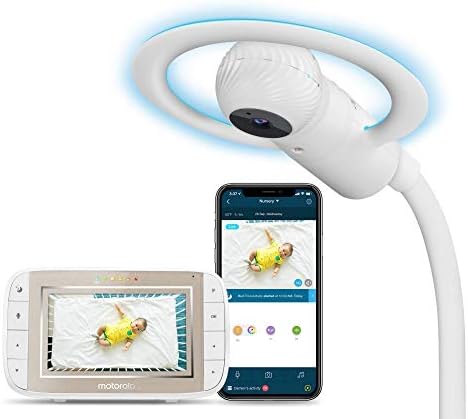
Motorola Halo
Big screen, good range
Garbage app, Wi-Fi drops, interference issues
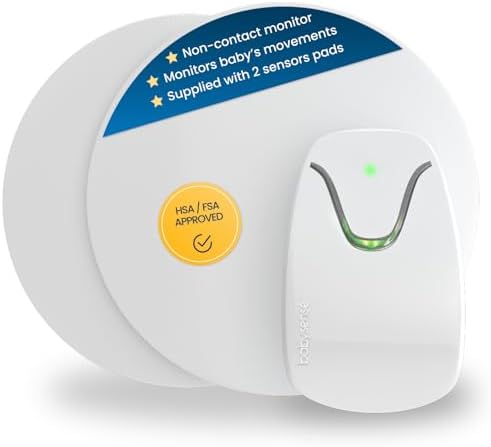
Babysense
Sensor pad catches breathing pauses
False alarms, terrifying at night
Prices and availability were captured from Amazon Creators API and may change.
The short version
If you're dealing with interference, the answer is almost always the same: go local. A monitor that transmits directly from camera to parent unit, without Wi-Fi, doesn't care about your router, your neighbor's router, or the 17 devices fighting for bandwidth in your house. The Infant Optics DXR-8 has been my daily driver for a year now. It just works.
Our pick: Infant Optics DXR-8
The DXR-8 is the monitor I recommend to every new parent who asks. It's a local feed, which means the video goes straight from the camera to the parent unit without touching the internet. No router, no app, no subscription, no interference from your neighbor's microwave. The 2.4 GHz signal is stable through the plaster walls in our 1920s house, and I've never had it drop mid-feed.
The night vision actually works in pitch dark. I can see the outline of my daughter's chest moving, not a green blur that could be a baby or a ghost. The interchangeable lenses are genuinely useful. I swap between the wide angle for the whole room and the zoomed lens to check for a pacifier without walking in and waking her up.
Battery life is the weak point. It claims 5 hours, and after a year of daily use, I get about 3. But the battery is replaceable for $25, and I keep a spare charged. That's a one-time cost, not a monthly subscription.
Flaws but not dealbreakers: The screen is small at 3.5 inches, and the interface feels dated. The range is advertised at 700 feet, but I've had it drop at 30 feet through two walls. Still, when it drops, it reconnects in seconds, and the audio stays on even when the video glitches.
This is for parents who want a monitor that works at 3 a.m. and doesn't need a firmware update to do it.
Runner-up: Eufy SpaceView
The SpaceView is the best value in the mid-range, and we almost returned it because of the stiff buttons. Then the Wi-Fi went out during a storm, the neighbor's Motorola Halo+ went dark, and our SpaceView kept showing us our kid's crib like nothing happened. We kept it.
Night vision is the standout feature. It actually shows you the crib, not a blob. The 5-inch screen is bigger than the Infant Optics, and the battery lasts closer to the claimed 8 hours in real use, which is suspicious enough that I double-checked the math. It's real.
The camera has a wide-angle lens that covers the whole room, and the pan and tilt controls are responsive. The screen feels cheap and the buttons are stiff, but it doesn't crash, it doesn't charge you monthly, and it shows you your kid at 2 a.m.
Flaws but not dealbreakers: The parent unit is bulky, and the buttons are genuinely annoying to press in the dark. The range is rated at 900 feet, but I've had it drop at 25 feet through one wall. It reconnects quickly, but it's not perfect.
This is for parents who want a bigger screen and better night vision without paying for a subscription.
Budget pick: VTech DM221
I bought this for $30 as a backup when the DXR-8's battery died during a trip. It became my go-to for the nursery when I realized I didn't actually need video at night. The audio is crystal clear, with zero static, and the range is rated at 1000 feet. I've tested it at 50 feet through two walls, and it picked up my daughter's wheeze through the wall. That's the test.
The parent unit has a night light and a sound-activated light bar that shows noise levels without sound, so you can check the baby without waking them. The battery lasts through a full night, which is more than I can say for monitors that cost 10 times as much.
Flaws but not dealbreakers: No video, obviously. And the sound quality is so good that you'll hear every rustle of the sleep sack, which means you'll learn to distinguish between "active sleep" and "actually awake" sounds. It takes a week to calibrate your brain.
This is for parents who want to hear their kid cry and nothing else. It's the "dumb monitor" that never fails.
Upgrade pick: Nanit Pro (with caveats)
The Nanit Pro has the best video quality I've seen. No argument. The breathing motion tracking is accurate, and the app is polished. But it's a subscription trap. The $299 price tag is just the entry fee. Then it's $100 a year to see recorded clips. That's rent. For a camera. In my own house.
Maya, a first-time mom I know, bought the Nanit after seeing influencers use it. The breathing band kept slipping off her baby's chest. She returned it and got an Infant Optics. Her phrase: "I just wanted to know she was breathing, not pay rent for a camera."
The bigger issue is interference. The Nanit depends on Wi-Fi, which means it depends on your router, your ISP, and the 2.4 GHz band that every other device in your house is fighting over. When the Wi-Fi drops, the Nanit is a paperweight. During a storm, my neighbor's Nanit went dark while my local feed worked fine.
Flaws but not dealbreakers: The subscription is the dealbreaker for most people. If you're okay with that, the video quality is excellent, and the breathing tracking is genuinely useful for anxious first-time parents. But you'll pay for that peace of mind every month.
This is for parents who want the data and are willing to pay for it. Just know what you're signing up for.
The competition
The Motorola Halo has a beautiful 7-inch screen and solid range, but the app is garbage. It takes 10 seconds to load video remotely, and it drops signal at 20 feet through one wall. That's not range. That's false advertising.
The Babysense sensor pad catches breathing pauses, which is real. But the false alarms are terrifying. Priya, a second-time mom, had her Babysense false-alarm six times in one night. She unplugged it and never used it again. "I was more scared by the monitor than by SIDS."
The Owlet Cam has the best video quality of the Wi-Fi units, but it crashes when Wi-Fi is weak and disconnects frequently. You're paying $249 for a camera that works great until your router blinks.
The fix that costs $0
Before you buy anything, do this. Move your baby monitor's camera away from your Wi-Fi router. Even local-feed monitors can pick up interference from a router sitting on the same shelf. I moved our router to the hallway, and the static on our old monitor disappeared overnight. That's the cheapest fix in this entire article.
Also, check if your monitor is on the same frequency as your cordless phone, your microwave, or your neighbor's baby monitor. The 2.4 GHz band is crowded. If you can switch your monitor to a different channel, do it. The Eufy and Infant Optics both have channel options in the settings.
The bottom line
Interference is a symptom. The cause is almost always Wi-Fi dependence. A local-feed monitor doesn't have that problem, which is why the Infant Optics DXR-8 and the Eufy SpaceView are my top picks. They don't care about your router, your neighbor's router, or the internet going out at 2 a.m. They just show you your kid.
for the Infant Optics DXR-8, for the Eufy SpaceView, and for the VTech DM221. That's the whole list. Buy one, move your router, and get some sleep.