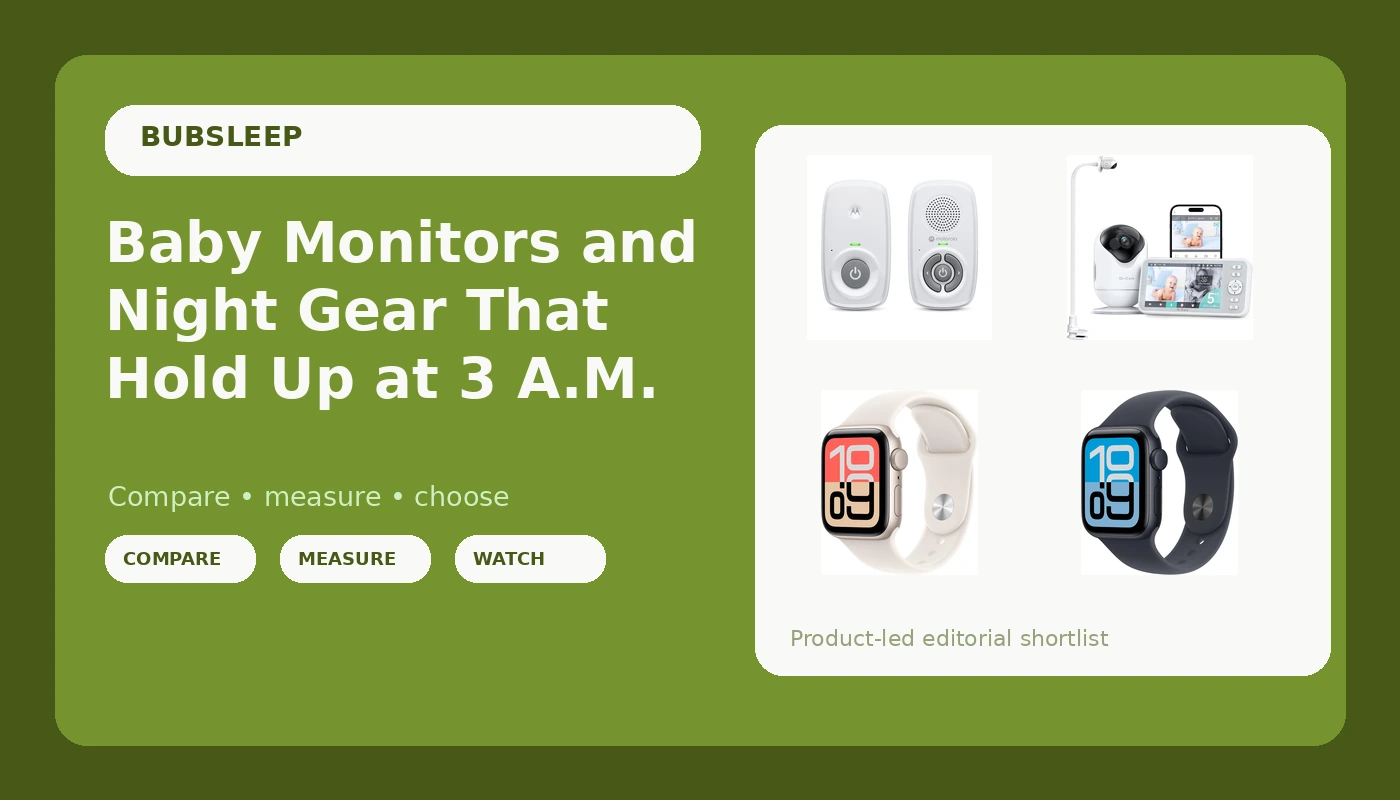
Night checks are the whole job. If you have ever squinted at a grainy screen at 3 a.m. trying to work out whether that shape in the crib is a blanket, a foot, or nothing at all, you already know that the box copy matters far less than what you can actually see in the dark. This guide covers six items that live on or near a nursery monitoring setup: baby monitors with night vision and a dedicated screen, a Wi-Fi model with a clip mount, an audio-only unit for parents who do not want an app in the room, a mounting accessory, and two wearables for tracking your own sleep while you are up anyway. The goal is simple and unglamorous: spend once, see clearly, and stop second-guessing the picture at 2 a.m.
Related: Where to Put a Baby Monitor Camera (and Where Not To)
Quick answer
The iFamily 7" Large Split Baby Monitor with 2 HD Cameras and Audio is the strongest fit for watching two rooms from one screen because it combines a 7 inch display, two HD cameras, and audio in a single system. Choose the Dr.Care VistaView 5" 1080P Smart WiFi Baby Monitor with Camera & Clip Mount instead when you want a 1080p Wi-Fi feed and a camera that can be clipped into position rather than mounted to a wall.
Baby monitors and night gear worth comparing
Each item below earns its place for a different reason. Two are full video systems with their own parent screens, one is an audio-only unit that runs without a router or an app, one is a mounting accessory built for specific monitor brands, and two are smartwatches that parents use to track their own sleep and heart rate through the newborn stretch.
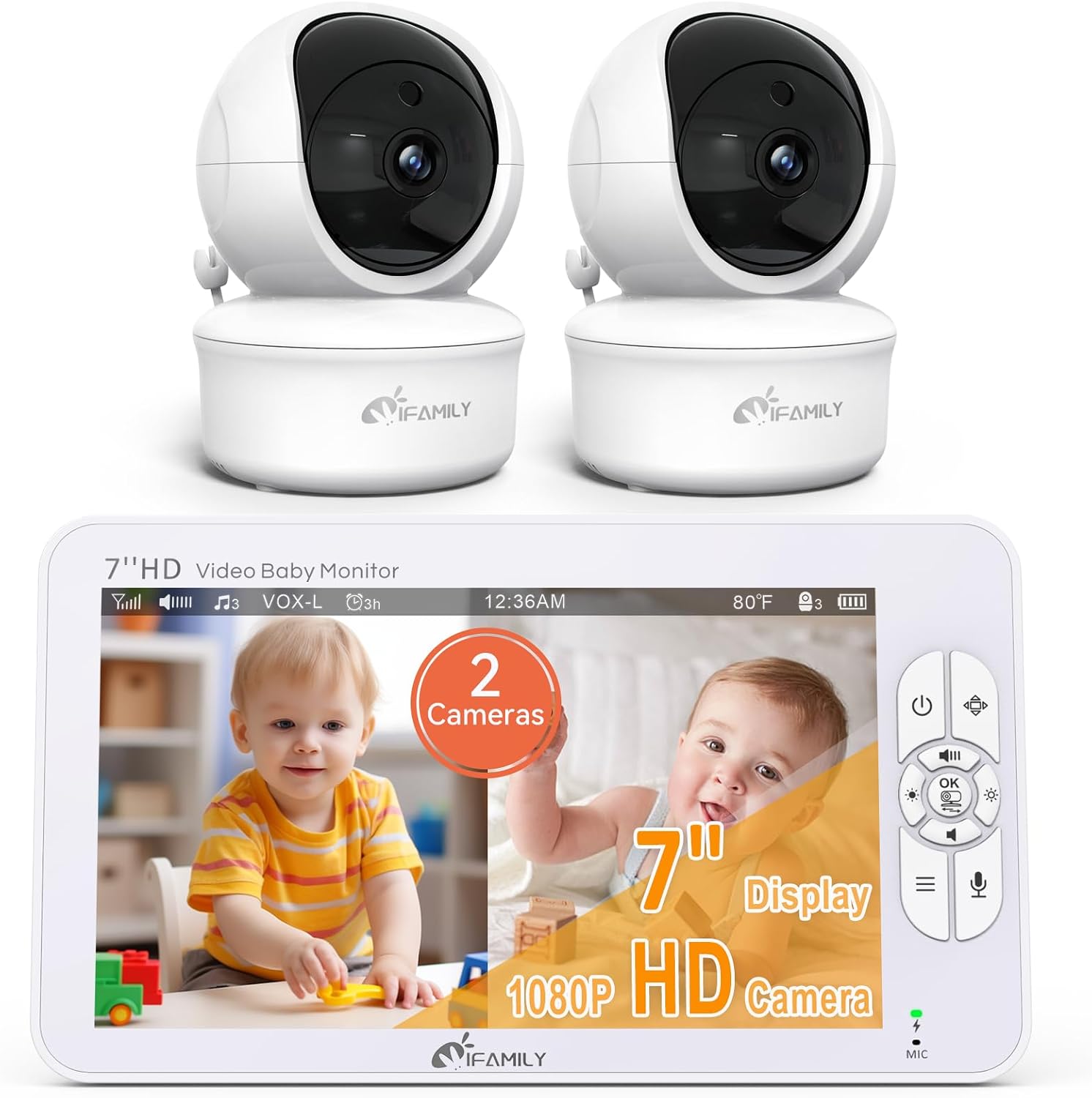
iFamily 7" Large Split Baby Monitor with 2 HD Cameras and Audio
A 7 inch monitor with a split screen and two HD cameras, so both rooms stay visible at once with audio from the system.
Visit on Amazon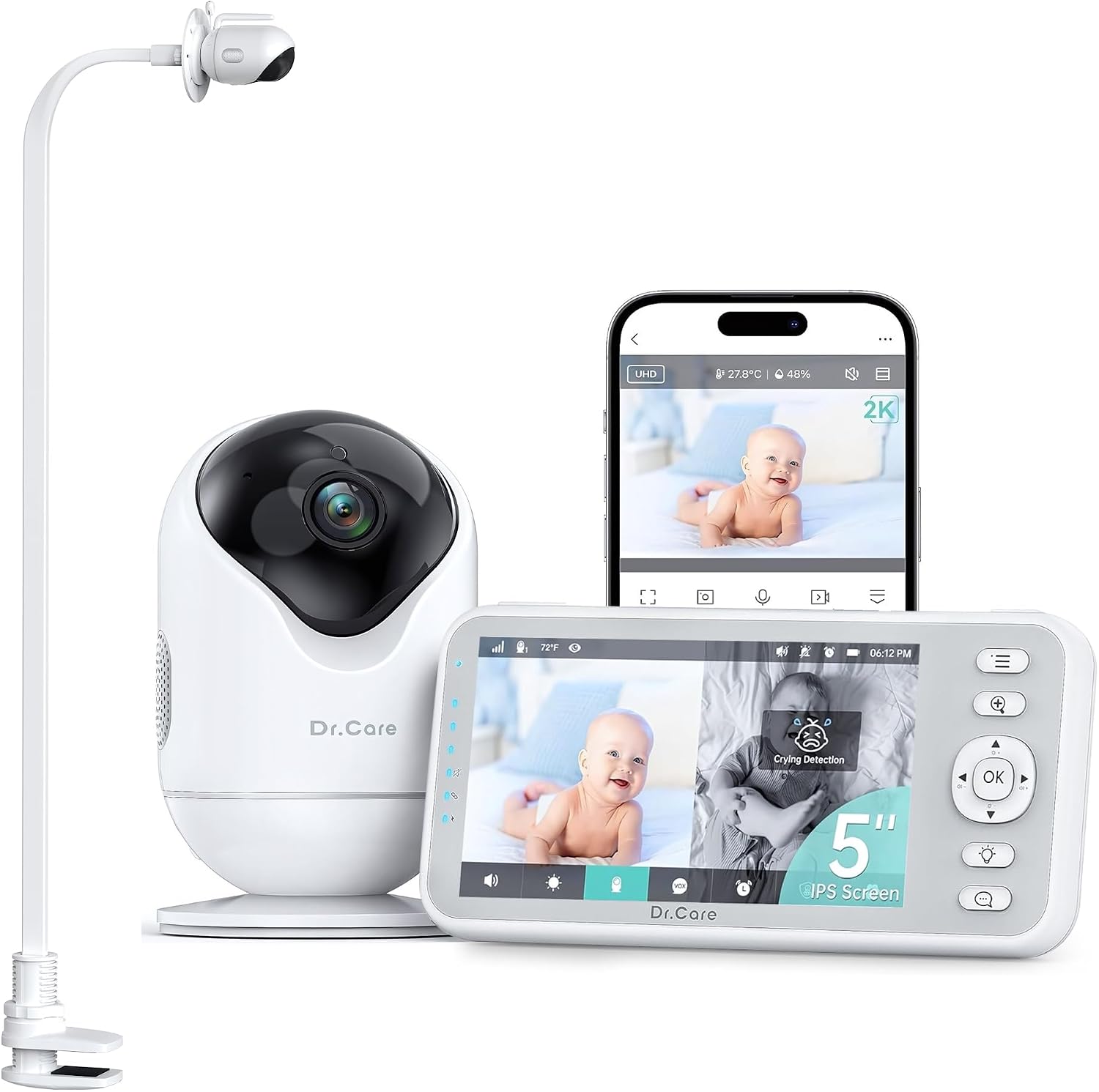
Dr.Care VistaView 5" 1080P Smart WiFi Baby Monitor with Camera & Clip Mount
A 5 inch 1080p Wi-Fi monitor that comes with a clip mount, which makes flexible placement possible without drilling into a wall.
Visit on Amazon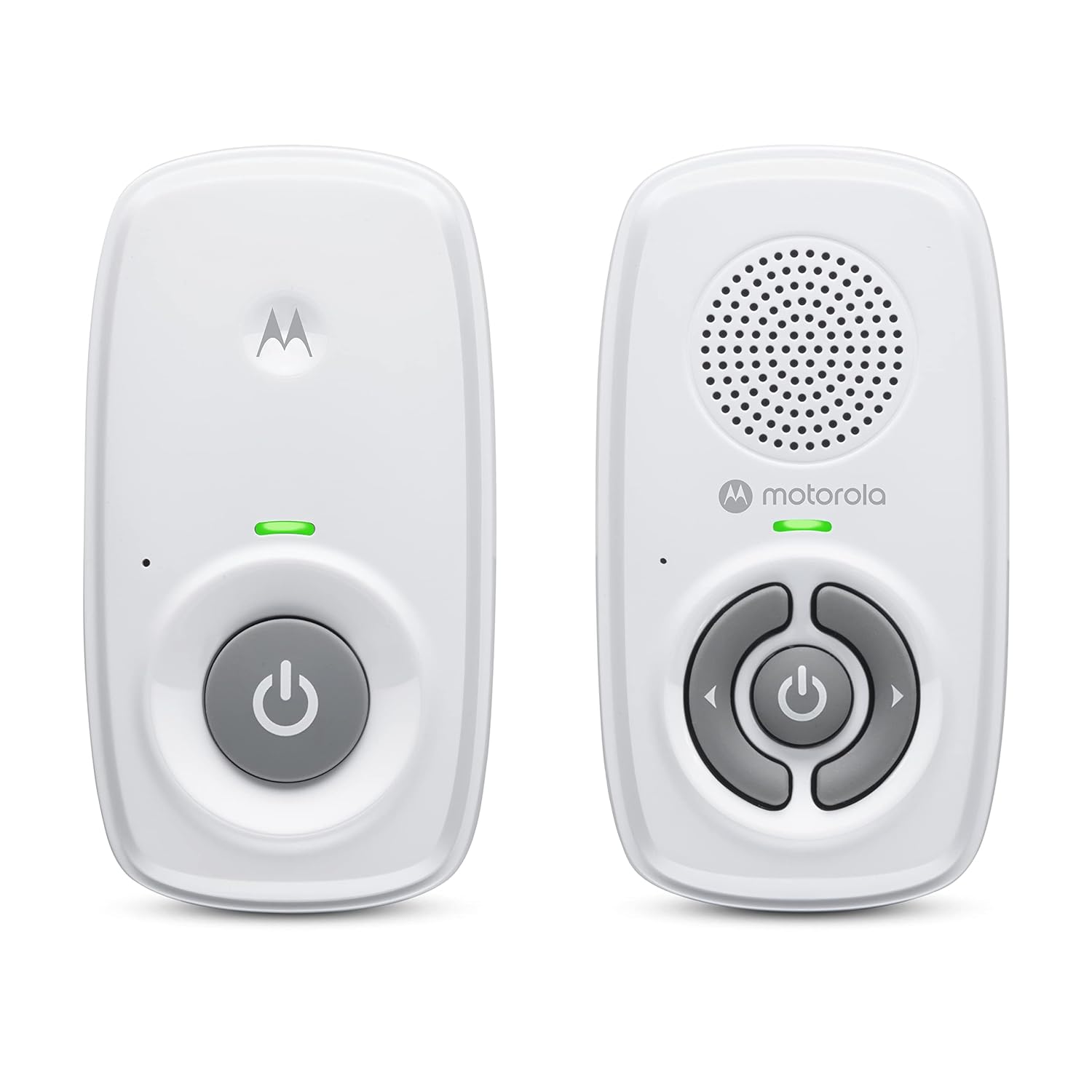
Motorola Nursery Audio Baby Monitor, No WiFi, Long Range 1000 ft, Volume Control, DECT Private Connection, Cry Detection, Portable Battery Parent Unit, Ideal for Safe Monitoring, No App, AM21
An audio-only monitor with a DECT private connection, a stated 1000 ft range, volume control, cry detection, and a portable battery parent unit. No Wi-Fi and no app.
Visit on Amazon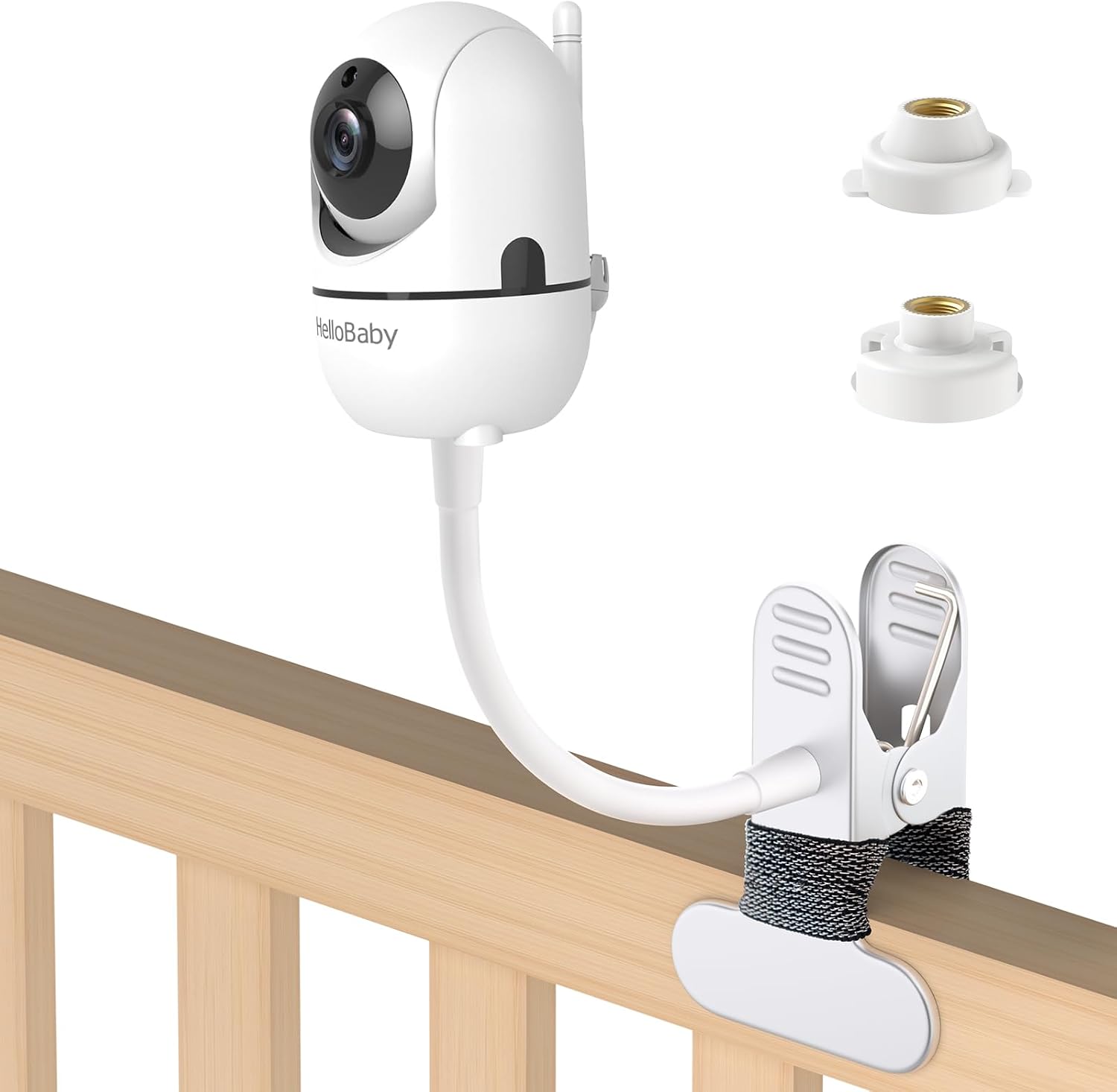
Baby Monitor Mount Compatible with HelloBaby for HB6550/ HB6560/ HB65/ HB6351/ HB40/ HB6339/ HB6336, ANMEATE SM935E Monitor, Adjustable Baby Monitor Stand Flexible Clip Clamp Mount No Drilling
An adjustable clip clamp mount built for specific HelloBaby and ANMEATE monitor models, with no drilling required. Check the compatibility list against your own monitor first.
Visit on Amazon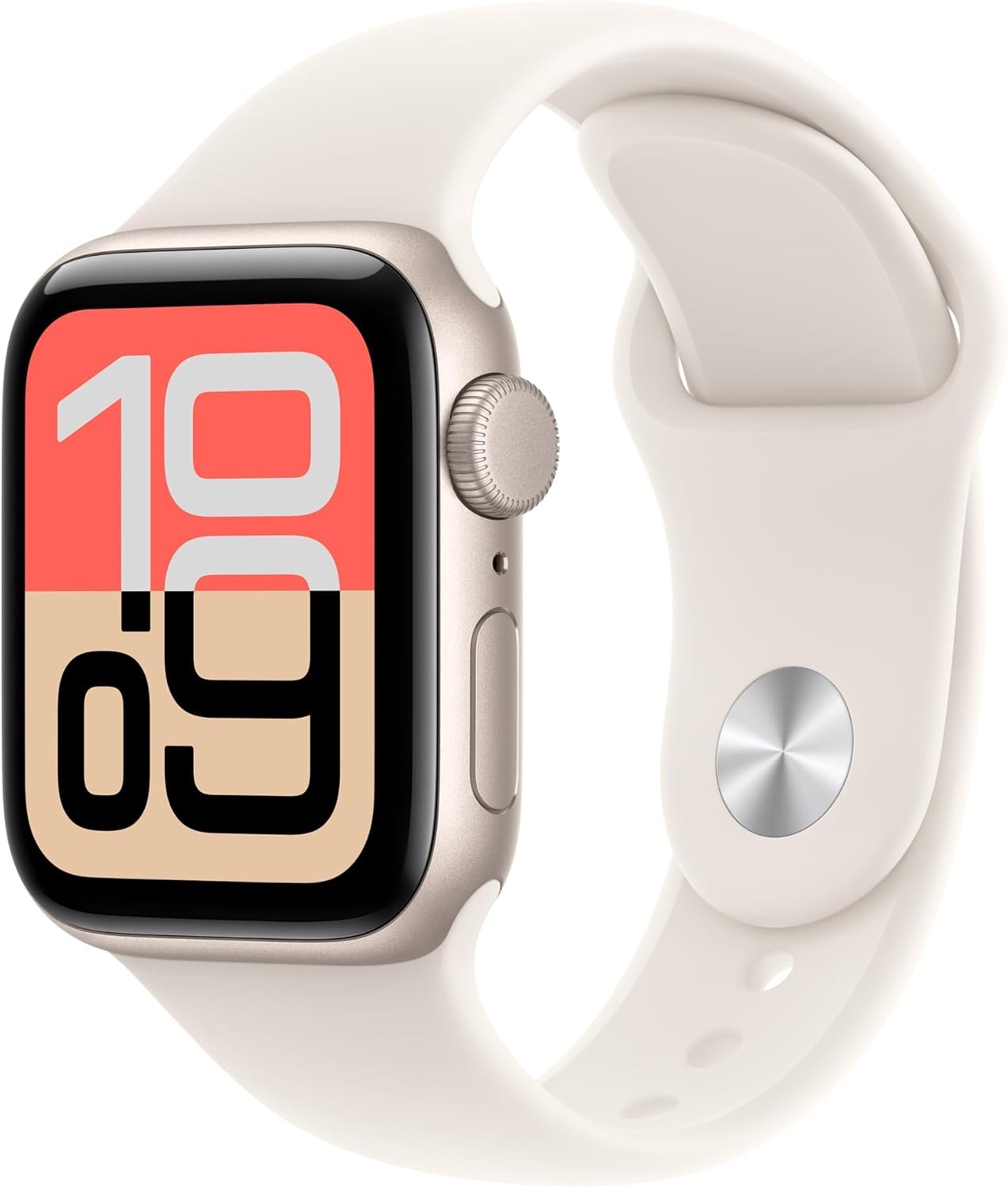
Apple Watch SE 3 [GPS 40mm] Smartwatch with Starlight Aluminum Case with Starlight Sport Band - S/M. Fitness and Sleep Trackers, Heart Rate Monitor, Always-On Display, Water Resistant
Check current Amazon price
A 40mm GPS smartwatch in starlight aluminum with sleep and fitness tracking, heart rate monitoring, an always-on display, and water resistance.
Visit on Amazon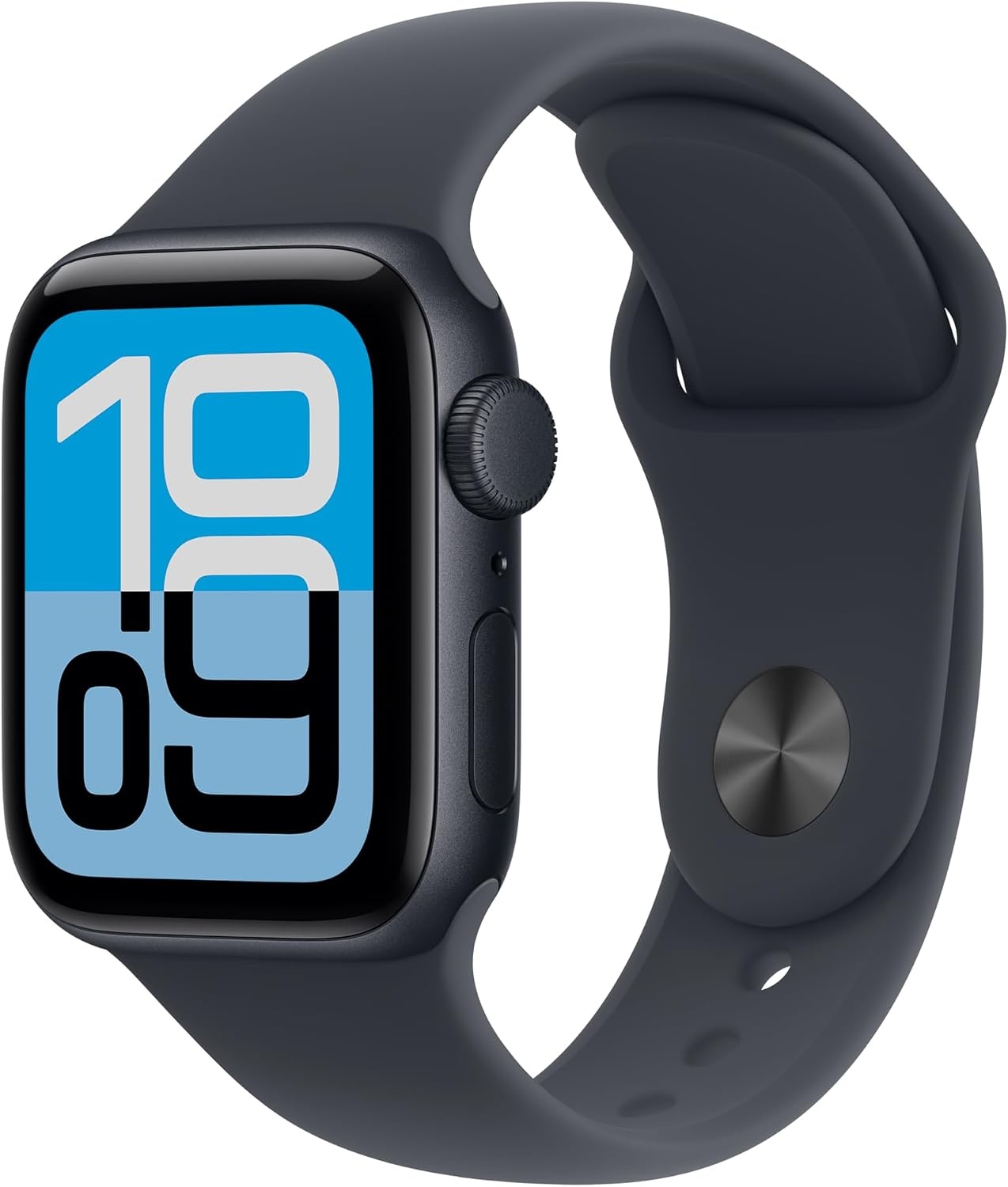
Apple Watch SE 3 [GPS 40mm] Smartwatch with Midnight Aluminum Case with Midnight Sport Band - S/M. Fitness and Sleep Trackers, Heart Rate Monitor, Always-On Display, Water Resistant
The same SE 3 feature set in a midnight aluminum case, with sleep tracking, heart rate monitoring, an always-on display, and water resistance.
Visit on AmazonPrices and availability may change. Check the retailer for current details.
How these products were compared
This guide compares night vision and low-light capability as described by each manufacturer, the parent unit and whether the design is screen-based or audio-only, range and connection type including local radio links versus Wi-Fi, mounting and placement options, and how each item fits alongside the rest of a nursery setup. Product names, images, and retailer links are matched by product identifier so that every card points to the item shown.
Nothing here is presented as lab testing, and no claim is made about how any unit will perform in your specific home. The details come from the product listings, and you should confirm the specifications that matter most to you before buying. No current price is printed in this article, so use the retailer link on each card to check price and availability.
How to choose the right baby monitor
Start with the thing you cannot compromise on: what the camera shows you when the lights are off. Night vision is the difference between a monitor and a radio, so look for an explicit infrared or night vision claim rather than a resolution number. A sharper daytime image does not automatically mean a clearer dark-room image, and a 1080p feed that you cannot see into a crib with is just an expensive screensaver.
Next, decide whether you want a dedicated parent unit, a phone app, or both. A handheld screen with its own battery means you are not handing over your phone every time you leave the room, and it keeps working when your home network does not. Audio-only is a real choice, not a downgrade. The Motorola Nursery audio monitor skips video entirely, which suits parents who simply want to hear a cry through a private DECT connection without an app account.
Range and connection type decide whether the whole purchase is useful once you walk into the kitchen. Local radio systems, including DECT units and video monitors with their own screen, do not depend on your router, so they will not buffer or drop when someone else is streaming. Wi-Fi monitors trade that independence for remote viewing and higher resolution, and they are worth it if you want to check in from work or from the backyard.
Then count the rooms you are actually covering. Two cameras with a split screen, as on the iFamily system, let one parent unit serve a nursery and a toddler room. Finally, sort out placement before you buy. A clamp or clip mount avoids drilling and lets you reposition the camera, but only if the mount lists your exact monitor model as compatible. If you are still deciding where the camera should live, our placement guide covers the angles that actually show a crib.
iFamily 7" Large Split Baby Monitor with 2 HD Cameras and Audio
The iFamily 7" Large Split Baby Monitor with 2 HD Cameras and Audio is the pick here for families watching more than one sleep space. The 7 inch display is large by monitor standards, which matters more than it sounds when you are reading a dark screen from across a room, and the split view keeps both HD cameras visible at once with audio from the system. Instead of buying two separate monitors and stacking two parent units on the nightstand, you get one screen, two cameras, and one charging routine.
What it is not: this is a bigger system than a single-crib nursery needs. If you have one crib and no plans for a second, you are buying capacity you may never use, plus a parent unit that will not slip into a pocket. Parents who want remote viewing from a phone should weigh a Wi-Fi model instead, because a local-screen system is built around the handheld unit in your hand rather than an app. And if you want a monitor you can set on a shelf and forget about, this one asks you to plan a permanent spot for a fairly large screen.
Alternatives to consider
The Dr.Care VistaView 5" 1080P Smart WiFi Baby Monitor with Camera & Clip Mount is better suited to parents who want a 1080p Wi-Fi feed and the flexibility of a clip mount rather than a wall bracket, while the Motorola Nursery Audio Baby Monitor, No WiFi, Long Range 1000 ft, Volume Control, DECT Private Connection, Cry Detection, Portable Battery Parent Unit, Ideal for Safe Monitoring, No App, AM21 is a stronger fit when you want audio only, no Wi-Fi, no app, and a private connection with a battery-powered parent unit you can carry around the house.
The remaining items solve narrower problems. The Baby Monitor Mount Compatible with HelloBaby for HB6550/ HB6560/ HB65/ HB6351/ HB40/ HB6339/ HB6336, ANMEATE SM935E Monitor, Adjustable Baby Monitor Stand Flexible Clip Clamp Mount No Drilling is an adjustable clamp mount that needs no drilling, but its compatibility list is specific to certain HelloBaby and ANMEATE models, so match it against your monitor before ordering. The two Apple Watch SE 3 [GPS 40mm] models, in starlight and midnight aluminum, are not baby monitors at all. They are sleep and fitness trackers with heart rate monitoring, an always-on display, and water resistance, which makes them useful for tracking your own sleep during the months when your baby's sleep refuses to be tracked.
Day-to-day use and maintenance
Most monitor frustrations come down to setup rather than hardware. Pick a permanent spot for the camera before the baby arrives, route the cable behind furniture, and keep every cord well away from the crib. That is standard safe sleep guidance, and it is not something to improvise at midnight. For the parent unit, make a habit of setting it on the charger whenever you are not carrying it, because a screen that dies at 2 a.m. is worse than no screen at all. Test the night vision in a fully dark room on the first evening instead of trusting the daytime picture you saw in the store.
If you use a clip or clamp mount, tighten it onto a surface that cannot flex, and recheck it every few weeks once a toddler can reach it. Wipe screens and camera housings with a dry or slightly damp cloth according to the manufacturer's instructions, and keep cleaning sprays away from the lens. Rechargeable batteries in parent units fade over time, so if runtime or range drops after a year or two, check whether a replacement battery is available before replacing the entire system. And if you track your own sleep with a wearable, charge it during the day so it is ready for the overnight stretch, when you will actually want the data.
Buying checklist
- Measure the distance from the crib to the spot where the parent unit will live, and confirm the stated range covers it with room to spare.
- Choose screen size and camera count based on how many rooms you truly need to watch, not on an occasional edge case.
- Confirm that the exact model includes night vision, the parent unit you want, and, where relevant, a clip or clamp mount.
- Check mount compatibility against your specific monitor model before ordering.
- Read the cleaning and maintenance instructions, and keep all cords well away from the crib.
- Verify the current retailer price, availability, and return terms using the link on each card.
Final recommendation
Choose the iFamily 7" Large Split Baby Monitor with 2 HD Cameras and Audio when you want one screen covering two rooms with audio and a dedicated parent unit. Choose the Dr.Care VistaView 5" 1080P Smart WiFi Baby Monitor with Camera & Clip Mount when Wi-Fi viewing and a clip mount matter more to you than a large local screen. If you only need sound, the Motorola audio monitor is the simplest option in this group, and if your monitor is one of the listed HelloBaby or ANMEATE models, the adjustable clamp mount is an inexpensive way to get it off the dresser.
Different houses need different setups, and no single monitor wins for everyone. What matters at 3 a.m. is that yours turns on, shows you the crib clearly, and never asks you to check your router first.