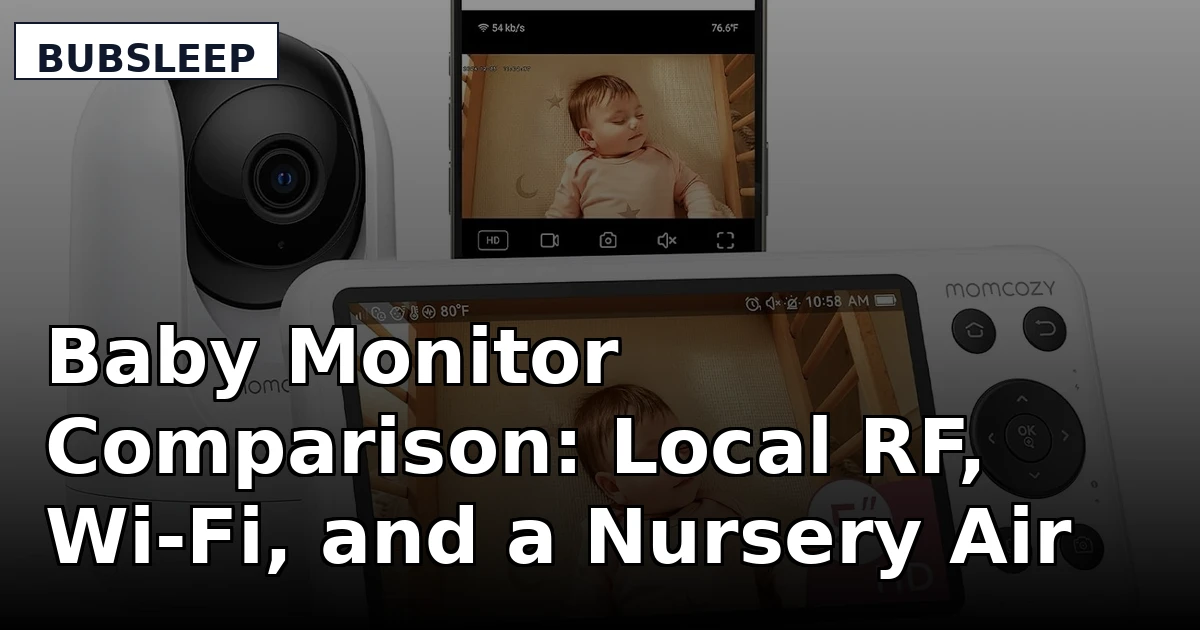
I have been a pediatric nurse for nine years and a mom for five, and this baby monitor comparison is the version I hand to friends instead of a registry link. I have watched more nights through a parent unit than I have slept through, and I have learned that the product that keeps you sane at 3 a.m. is almost never the one with the biggest feature list. It is the one that turns on, shows you a clear picture in pitch dark, and does not need your router's permission to do it.
Related reading on this site: what to look for in a nursery setup before you buy anything with a screen.
For most families in 2026, the GoodBaby 5" Split Screen with 2 Cameras is the monitor that covers the most ground for the money, and the GoodBaby no-WiFi single-camera unit is the pick when the budget is tight. The Momcozy earns its place if you want 1080p on your phone and a wall mount in the box. The DREO air purifier earns its place for a different reason: it is the only product here that changes the room instead of watching it.
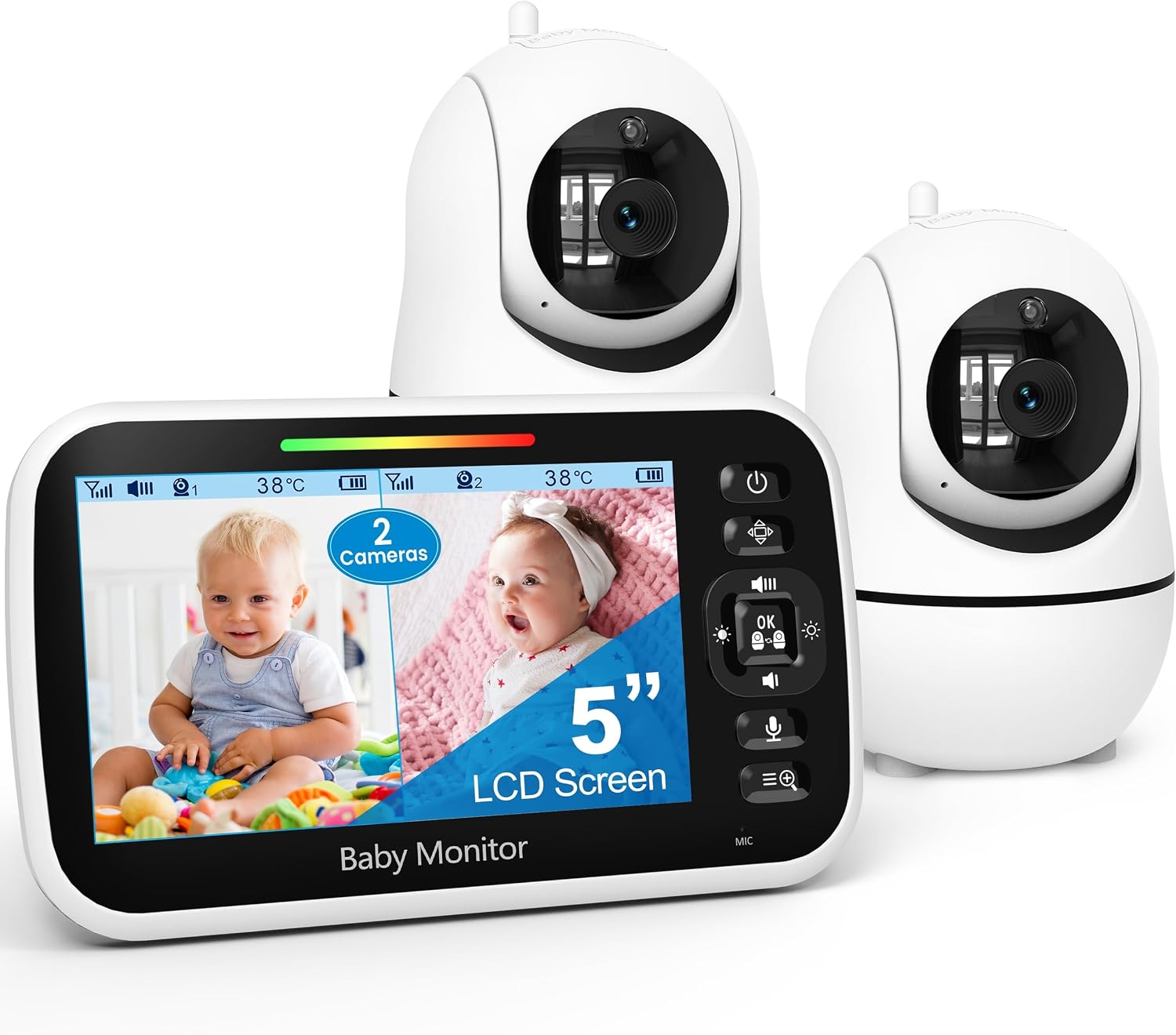
GoodBaby 5" Split Screen Baby Monitor with 2 Cameras and Audio
Two cameras and one 5" parent screen, so two rooms or two kids are covered without buying a second system. Local RF, so no Wi-Fi, no app, no account.
Splitting a 5" screen means each feed is half the size. More cameras means more mounting and more cable management. No phone viewing.
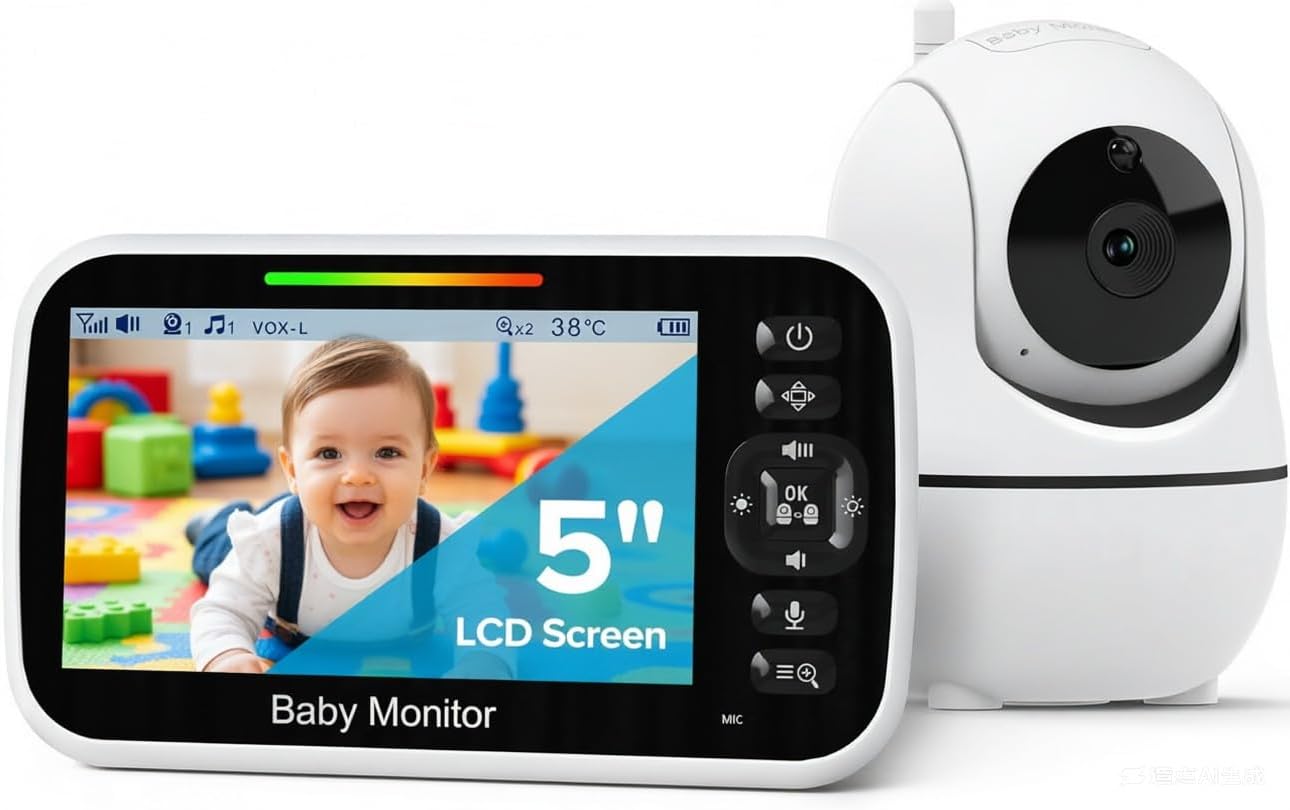
GoodBaby 5" Baby Monitor with Camera and Audio No WiFi
The cheapest honest way into a dedicated parent unit with a 5" screen and a direct radio link. Nothing to configure.
One camera, one room. No split screen, no remote viewing, no phone. If you have a second baby later, you buy again.
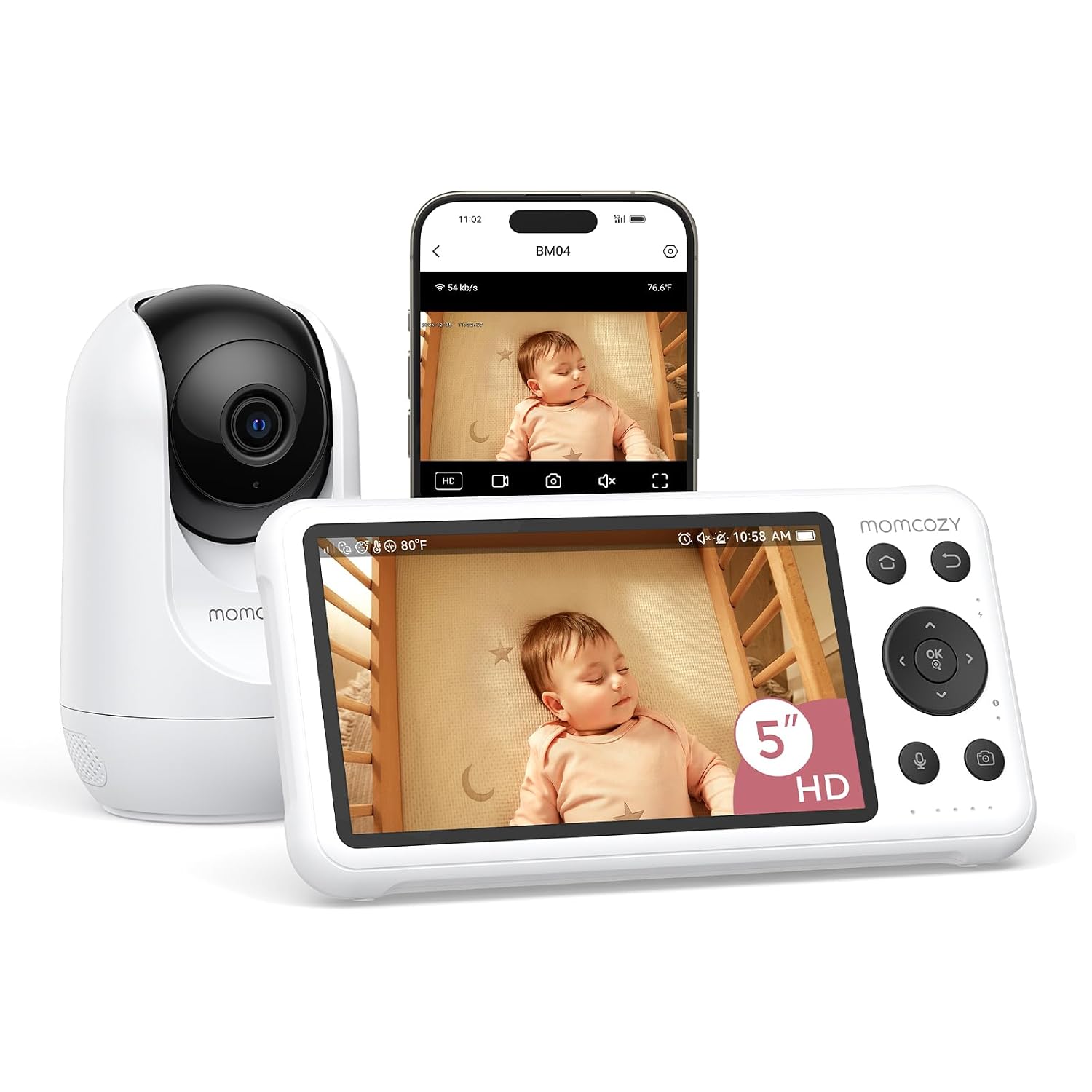
Momcozy Smart WiFi Baby Monitor with Camera and Audio,5" 1080P & Wall Mount
1080p resolution on a 5" screen, Wi-Fi so you can check in from the kitchen, the backyard, or work, and a wall mount included instead of sold separately.
It depends on your router. Wi-Fi congestion, a firmware update, or a power blip can take the feed with it. Setup is more involved than plugging in a camera.
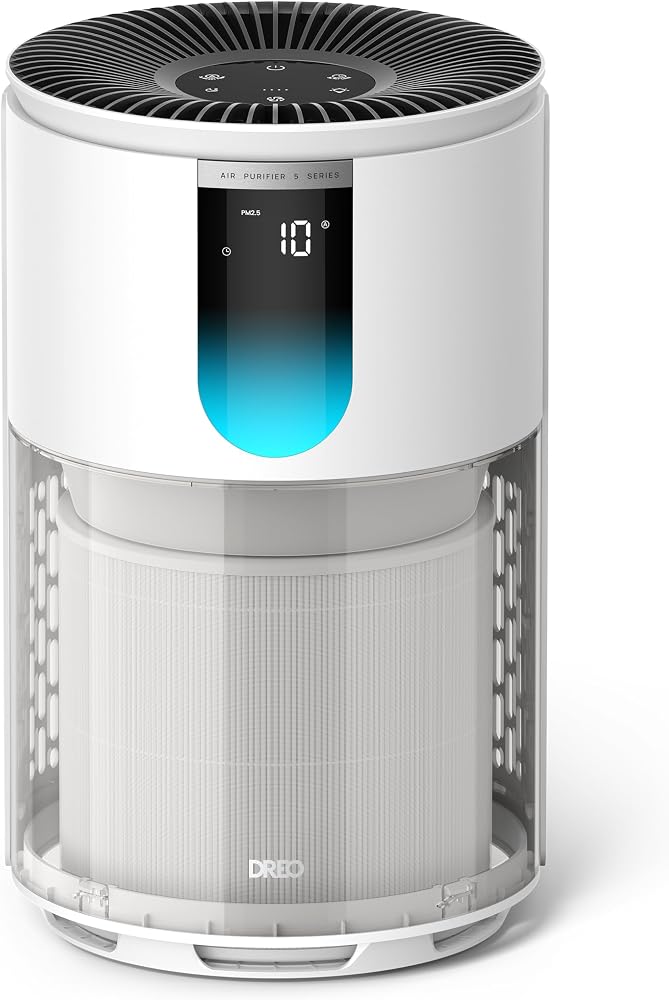
DREO Air Purifier for Home, Up to 1176 ft², HEPA Sleep Mode, Air Purifiers for Large Room & Bedroom, Pets, Smoke, Dust, Pollen & Odors, PM2.5 Monitor, Auto & Turbo Mode, 4 Speeds, DR-HAP009 (Dreo 539)
HEPA filtration for the room where your baby actually sleeps, with a PM2.5 readout, sleep mode, and four speeds so you can run it quiet at night. Helps with pets, pollen, smoke, and dust.
It is not a monitor. It will never show you your baby. It also needs filter replacements, which is a recurring cost people forget.
Prices and availability were captured from Amazon Creators API and may change.
Night vision is the feature, not the bonus
If a monitor cannot see in the dark, it is a radio with a screen. That is not a joke, it is the whole test. Your baby sleeps in a room with the lights off, blackout curtains up, and a hallway glow you are trying to eliminate. A camera that only looks good in daylight is a camera you will stop trusting by night three.
The way I check night vision is boring and it works. Put the camera where it will actually live, not on a tripod in the middle of the room. Kill every light in the room, including the night light and the crack under the door. Then look at the parent unit for two full minutes. You want to see the rise and fall of a blanket, the outline of a pacifier, and enough contrast to tell a sleeping baby from a baby who has wriggled into a corner of the crib. If you are squinting, the answer is no.
All three monitors here run infrared for night mode, which is the standard approach and the right one. The difference between them is not the technology, it is how much of the crib fits in the frame and how grainy the picture gets when the room is truly dark. Field of view matters more than people expect. A camera mounted too close to the crib sees a shoulder and a wall. You want the whole mattress in frame, with a little room on each side, so you are not moving furniture at 2 a.m. to find a foot.
Local RF versus Wi-Fi: choose your failure mode
This is the real fork in the road, and it is the argument I have with my own mom group every few months.
The two GoodBaby units are local RF. That means the camera talks straight to the parent unit over a dedicated radio link. There is no router in the middle, no app, no account, no cloud. When your internet goes down at 1 a.m. because the neighborhood cable line has opinions, your monitor keeps working. That reliability is not a small feature. It is the difference between a monitor you trust and a monitor you check before you trust it.
The Momcozy is a Wi-Fi monitor, and it gives you something the other two cannot: a 1080p feed you can pull up on your phone from anywhere on your property or off it. That is genuinely useful. I have stood in my backyard while my toddler napped and watched a feed on my phone, and it bought me twenty minutes of daylight. It is also the monitor that depends on your router, your bandwidth, and your Wi-Fi password being remembered by a device that was set up six months ago.
Here is how I think about it. Local RF fails at range. Wi-Fi fails at infrastructure. If your nursery is at one end of a big house and the parent unit drops in the kitchen, that is a range failure, and it is fixable by moving the camera or the unit a few feet. If your router hiccups, that is an infrastructure failure, and it is not fixable at 3 a.m. by a tired person holding a baby.
If you want the safest default, buy local RF and treat it as the night monitor. If you want a second camera for daytime check-ins, that is when a Wi-Fi unit earns its keep.
Two cameras, one screen: who actually needs the split screen
The split-screen GoodBaby is the one I recommend to anyone with two kids under five, or one kid and a playroom. You mount one camera over the crib and one over the play area, or one in each kid's room, and both feeds show up on the same 5" parent unit. No switching apps, no second parent unit to charge, no arguing with your partner about who has the monitor.
The trade-off is honest and physical: a 5" screen split two ways gives each feed half the real estate. That is still enough to see a baby breathing, but it is not enough to read a onesie from across the room. If you have one baby, the split screen is hardware you are paying for and not using. That is exactly the case for the single-camera GoodBaby, which does the same core job with one camera and one full-size image.
The other thing nobody tells you about multi-camera setups: cable management multiplies. Two cameras means two power adapters, two mounting decisions, and two spots where a curious toddler can reach a cord. Plan the mounts before you buy, and get the cords behind furniture or inside a channel.
The parent unit is the product
I will say this until I am hoarse. The camera is not the product. The parent unit is the product. A monitor with a beautiful camera and a parent unit that dies at 2 a.m. is a failed device, and it does not matter how many megapixels it has.
Three things decide whether a parent unit survives your house. First, battery behavior. You want a unit that holds a charge through a full night of intermittent watching, and you want to know how it behaves when it is low, because a unit that shuts off instead of warning you is a unit that will let you down. Second, volume. The lowest setting needs to be quiet enough to sleep through, and the highest setting needs to reach you in the kitchen with a fan running. Third, the stand and the clip. If it tips over every time you set it on the nightstand, you will stop using the stand.
The GoodBaby units give you a dedicated handheld screen, which is the classic design and still the right one for night use. The Momcozy gives you both a 5" screen and a phone, which is more flexible, and also more places for the experience to go sideways. Neither approach is wrong. They just fail differently.
Why a nursery air purifier is in a baby monitor comparison
I get this question constantly, so let me answer it plainly. The DREO air purifier is not a monitor and I am not pretending it is. It is here because the room your baby sleeps in is part of the sleep equation, and because I have spent enough shifts in pediatric respiratory season to know that air quality in a nursery is not a gimmick.
The DREO lists HEPA filtration with coverage up to 1176 ft², a PM2.5 monitor, auto and turbo modes, and four speeds with a sleep mode. For a nursery, the parts that matter are the sleep mode and the particle readout. Sleep mode is the setting you will actually run overnight, and the PM2.5 monitor gives you a number instead of a vibe, which is useful when you are trying to figure out whether the smoke from a wildfire two states away or the cat sleeping on the crib skirt is what is making your baby congested.
It also does the thing that a lot of parents quietly want from a nursery appliance: steady background noise. A purifier running on low adds a consistent hum to the room, and many babies settle better with that than with silence. That is not a medical claim, it is an observation from a lot of nights.
What it will not do is tell you your baby is awake. Keep the monitor and the purifier in separate jobs. Buy the purifier if your house has pets, pollen, smoke, or dust, and skip it if the nursery is already clean and quiet.
What I would buy for which room
One baby, tight budget, no interest in apps: the GoodBaby 5" Baby Monitor with Camera and Audio No WiFi. It is the least expensive way to get a dedicated parent unit and a direct radio link, and it does the one job that matters at night. Visit on Amazon →.
Two kids or two rooms: the GoodBaby 5" Split Screen with 2 Cameras. You get both feeds on one screen and you never have to choose which kid to watch. Visit on Amazon →.
You want phone access, 1080p, and a wall mount in the box: the Momcozy Smart WiFi Baby Monitor. Best for daytime naps and check-ins from another part of the house, as long as your Wi-Fi is solid. Visit on Amazon →.
Pets, pollen, smoke, or a dusty room: the DREO air purifier, as a companion to whichever monitor you pick. Visit on Amazon →.
The trade-offs nobody puts on the box
No monitor on this list replaces safe sleep practice. A camera does not prevent SIDS, and it does not make an unsafe sleep environment safe. The crib stays clear: no bumpers, no loose blankets for an infant, no pillows, no stuffed animals. A monitor is for your peace of mind, not for risk reduction. That distinction matters, and it is the one I care about most as a nurse.
The second trade-off is that every feature you add is a thing that can break or distract. Cry detection is the clearest example. A monitor that pings your phone to tell you the baby is crying, while you are in the next room listening to the baby cry, has added nothing except a notification you will eventually mute. I would rather have a clear infrared picture and a parent unit that lasts the night than a pile of alerts I turn off in week two.
The third is subscription creep. Before you buy any Wi-Fi monitor, read the listing and confirm that the features you care about work without a paid plan. You should never have to rent the ability to see your own child.
Questions I get from the mom group
Do I need Wi-Fi? No. Local RF is the more reliable night setup. Wi-Fi is a convenience feature, not a requirement.
Is the split screen worth it if I only have one baby? Not yet. Buy the single camera now and add a second system later if you need it.
Does a 5" screen feel small? It feels fine at arm's length on a nightstand. It feels small from across a kitchen, which is why the volume setting matters as much as the screen.
Do I need the air purifier? Only if the room has a reason for it. Pets, pollen, smoke, and dust are reasons. A perfectly clean nursery is not.
Is night vision really that important? It is the entire point. Everything else is packaging.
The bottom line
If I were setting up a nursery tonight with my own money, I would put the GoodBaby split-screen unit on the nightstand for the two kids, add the Momcozy only if I wanted phone viewing during the day, and run the DREO in the room where they sleep through allergy season. The single-camera GoodBaby is the one I would hand to a friend on a budget without a second thought.
None of this is complicated once you decide what you are actually buying. You are buying a clear picture in the dark, a parent unit that survives until morning, and a link that does not ask your router for permission. Get those three right and you will sleep better, which is the only review that matters.