Related: Best Baby Monitors for Night Vision: Seeing Your Baby in the Dark
My first monitor was a hand-me-down with a four-inch screen and a camera that turned the nursery into gray soup after sunset. I spent a week squinting at it before I admitted the obvious: I could hear my daughter perfectly. I just could not see her. That is the whole argument for a no WiFi video baby monitor in one sentence. The audio was never the problem.
I am a pediatric nurse, nine years on the floor, and a mom of two under five. I have watched more babies sleep through a screen than most people will in a lifetime, and I have strong opinions about what keeps a parent sane at 3 a.m. None of those opinions involve resolution specs. They involve whether the parent unit still has battery at 4 a.m., whether the picture survives actual darkness, and whether the whole thing keeps working when the router hiccups.
So here are four monitors I would hand to a friend, sorted by what each one is genuinely good at.
What matters more than the spec sheet
Night vision is the feature. A camera that cannot see in pitch dark is a radio with a screen attached. Range is a close second: a sharp feed that drops when you walk into the kitchen is a screensaver with anxiety. And the parent unit is the product. If the handheld dies at 2 a.m. or the buttons are in the wrong place, camera quality stops mattering entirely.
Two more things I check every time. Field of view, because 110 degrees is the minimum for a standard crib, and what happens when the Wi-Fi drops. Local RF monitors never buffer. Wi-Fi monitors are wonderful until the router hiccups, and then you are staring at a spinner while your baby cries.
How I run a monitor through a night
Same routine every time, and it takes a full night, not an afternoon. Pitch-dark night vision check with the room blacked out and the curtains taped. A range walk from the nursery to the kitchen to the back step. An overnight run on the parent unit to see whether it lasts until morning. And a durability pass, because my toddler has thrown every monitor we own at least once. Daytime video tells you almost nothing about how a monitor behaves when you actually need it.
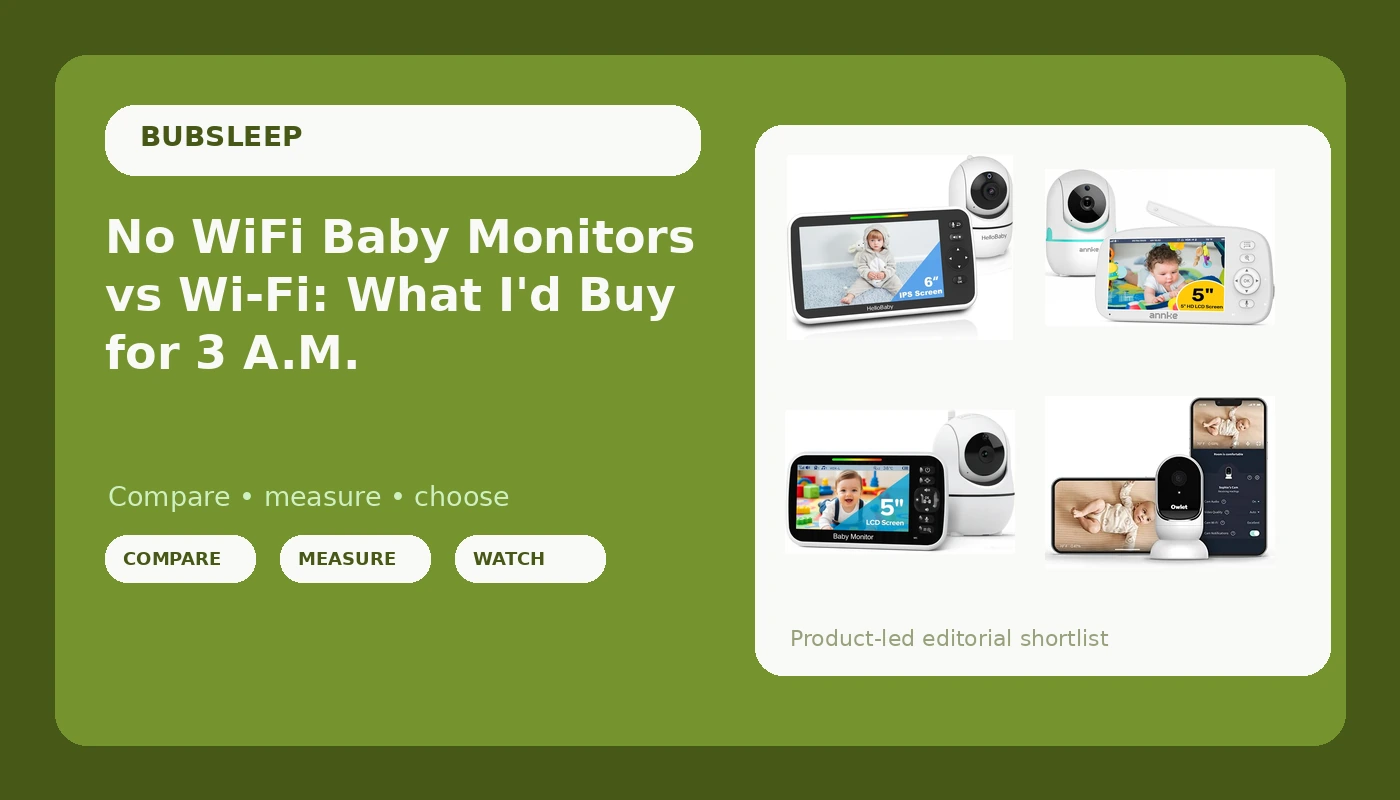
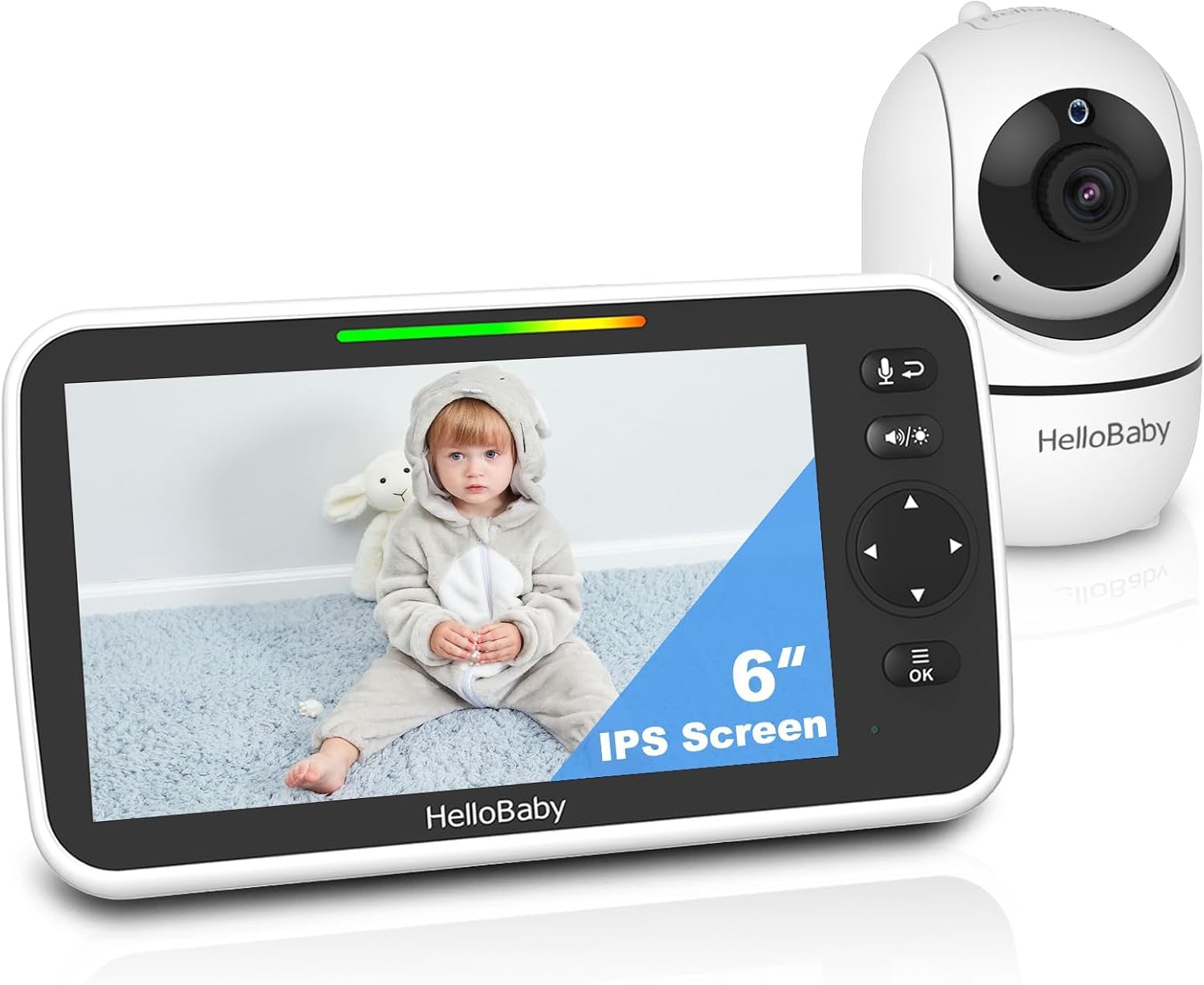
HelloBaby 6" No WiFi Video Baby Monitor: best overall value
If a friend asks what to buy and does not want to think about it, this is what I say. It is a local RF monitor, so there is no app, no account, no subscription, and no router in the middle of your night. The parent unit has a 6-inch screen, which is the size where you can actually tell whether the baby's chest is moving from across the room, and the battery is rated at 33 hours. In practice that means you charge it when you remember to, not every single evening.
The night vision is the part that surprised me. It is not the sharpest infrared I have used, but it is clean enough to separate a sleeping baby from a baby who has kicked off the blanket and is working up to a complaint. For a budget monitor, that is the entire job.
What you give up: no phone app, so you cannot check in from the backyard, and no alerts pushed to your pocket. Some parents want that. I have come to believe most parents do not, at least not at 3 a.m., when the parent unit is sitting right there on the nightstand.
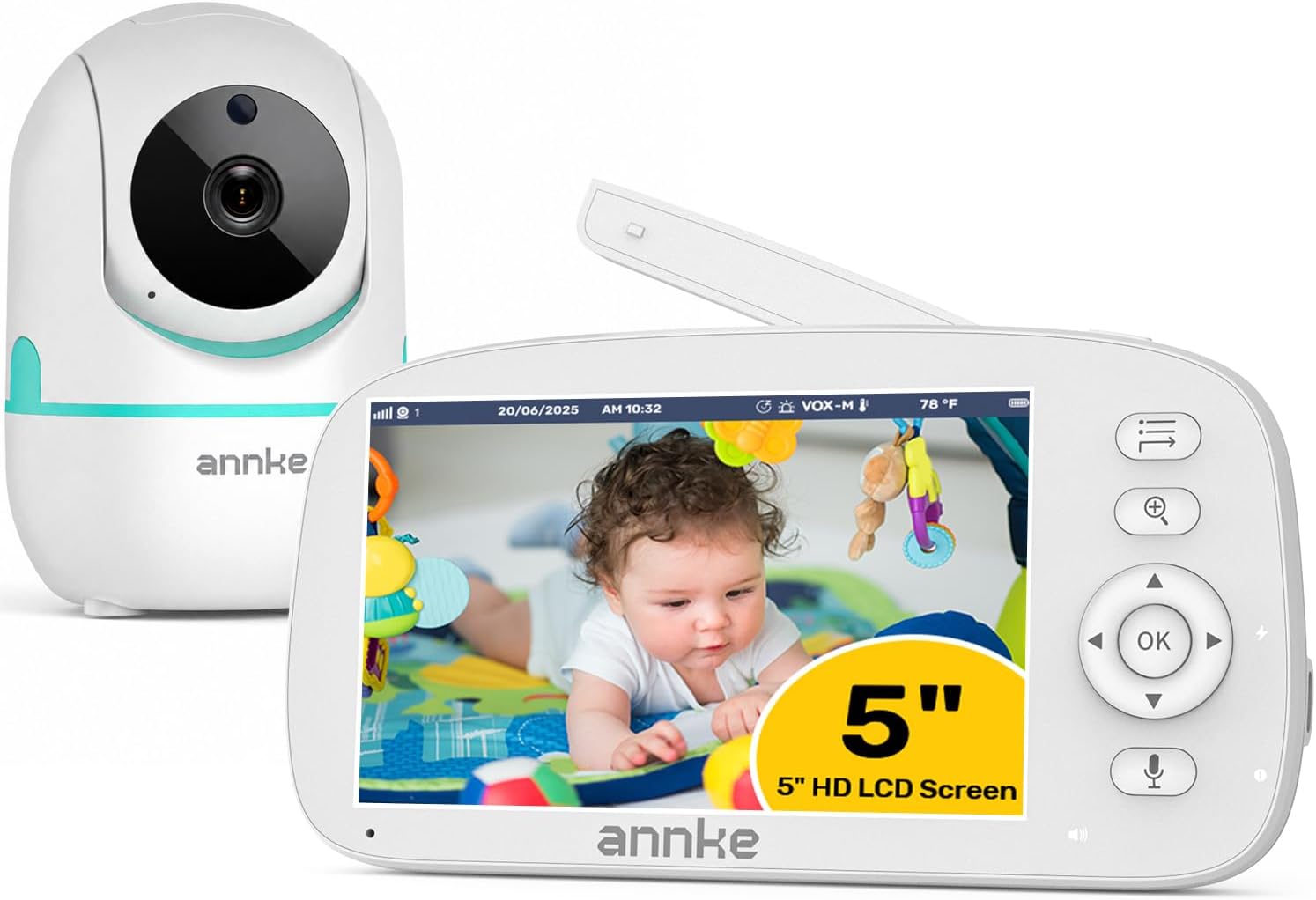
Video Baby Monitor with Camera and Audio, No WiFi, 5" HD Display: sharpest local picture
This is the pick if the parent unit screen is where you live. The 5-inch HD display is the crispest of the local monitors here, and the camera is a straightforward unit: no Wi-Fi, no app, no cloud, just a direct radio link to the handheld. That is a feature in my book. When the internet goes down in our neighborhood, which happens more than you would expect, this monitor does not notice and does not care.
The trade-off is screen size. Five inches is comfortable at arm's length and a little tight from across a king bed. It is also the monitor I would hand to a grandparent, because there is nothing to log into and nothing to update. Turn it on and it works, which sounds like a low bar until you have spent twenty minutes troubleshooting an app while a baby screamed.
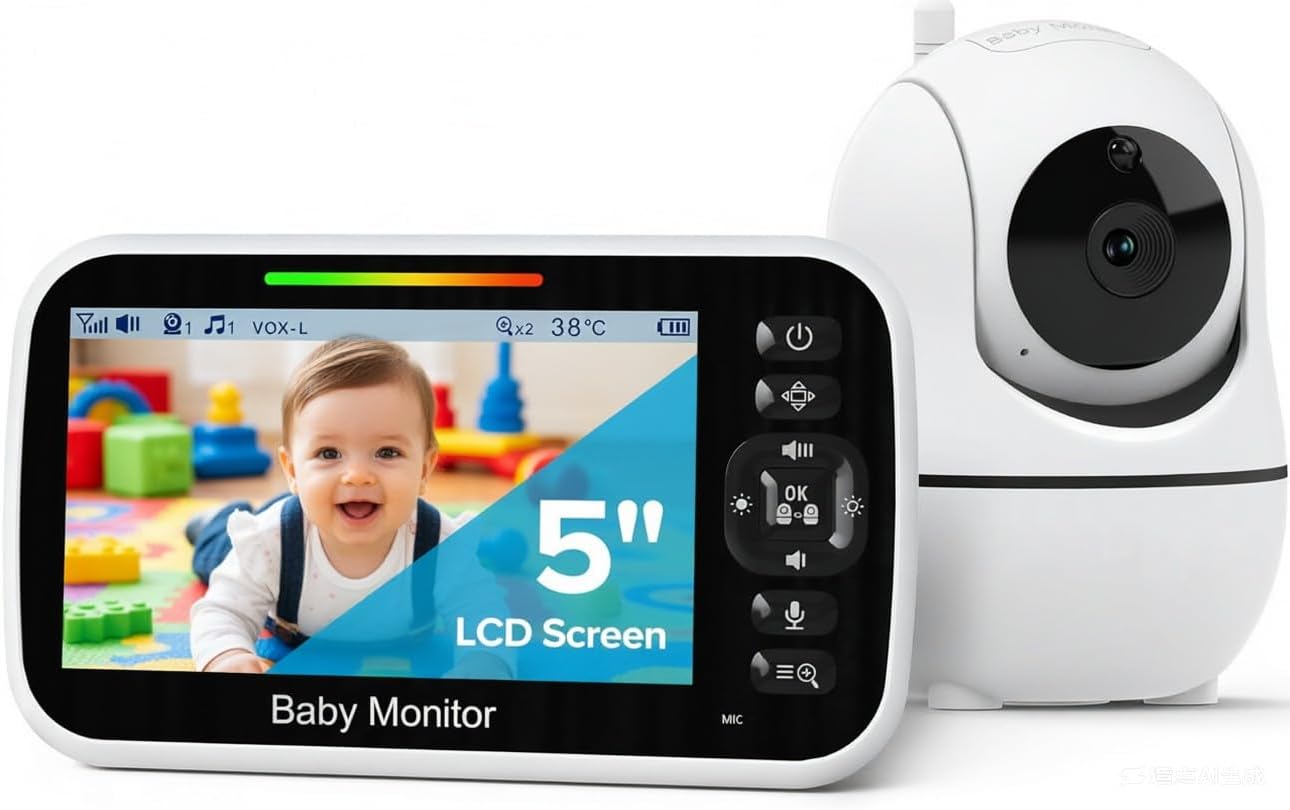
GoodBaby 5" Baby Monitor with Camera and Audio, No WiFi: best cheap second monitor
This is the one I keep in the diaper bag, and the one I recommend when someone needs a camera for a second room without buying a whole second system. It is a 5-inch no-WiFi monitor with a camera and audio, plain and simple. No subscription, no app, no firmware drama.
It is not the monitor I would build a nursery around. The screen and the night vision are the most basic of this group, and the audio is serviceable rather than lovely. But as a travel monitor, or a monitor for grandma's house, it does exactly what a monitor is supposed to do: it shows you the baby and it tells you when the baby makes noise. If you are on a tight budget and you need something working tonight, this gets you through the night.
Owlet Cam Smart Video Baby Monitor: best Wi-Fi option
I preach local RF and I still keep a Wi-Fi camera, so let me be honest about why. The Owlet Cam is a 1080p Wi-Fi camera with night vision, two-way audio, customizable cry, sound, and motion alerts, and a mounting kit for a wall or shelf. It streams to your phone, which means you can watch a nap from the backyard or from the office, and you can talk back through the camera when you are not in the room.
That flexibility is real, and it is the reason to buy it. The cost is that everything runs through your home network and your phone. When the router hiccups, the feed hiccups. When your phone is charging in the other room, you are not watching anything. And if you want the alerts to be useful rather than constant, you will spend an evening tuning them, because cry detection that cannot tell a cry from a fan is worse than no alert at all.
Buy this if you want the phone in the loop. Buy a local RF monitor if you want the nightstand in the loop. Most of us need the nightstand.
The four monitors side by side
Here is the same set sorted by what each one is for. Night vision is listed as infrared or not because that is the line that decides whether a monitor is useful after sunset.
| Monitor | Best for | Connection | Display | Night vision | Where to check |
|---|---|---|---|---|---|
 Visit on Amazon → HelloBaby 6" No WiFi Video Baby Monitor |
Overall value | Local RF | 6" parent unit | Infrared | Visit on Amazon → |
 Visit on Amazon → Video Baby Monitor with Camera and Audio, No WiFi, 5" HD Display |
Sharpest local picture | Local RF | 5" HD | Infrared | Visit on Amazon → |
 Visit on Amazon → GoodBaby 5" Baby Monitor with Camera and Audio No WiFi |
Second room or travel | Local RF | 5" | Infrared | Visit on Amazon → |
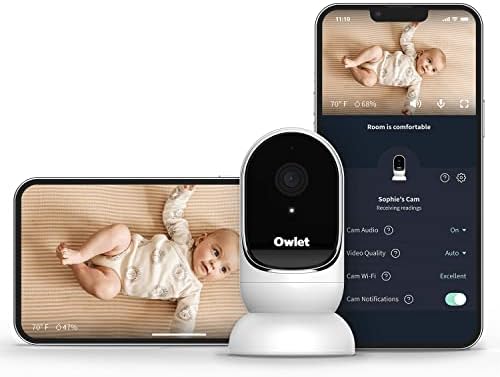 Visit on Amazon → Owlet Cam Smart Video Baby Monitor |
Watching from your phone | Secure Wi-Fi | Phone app | 1080p infrared | Visit on Amazon → |
Analysis: what the four picks tell you
The three local RF monitors here are doing the same basic job with different budgets behind them, and the differences show up in the parent unit more than in the camera. The HelloBaby gives you the biggest screen and the longest battery rating of the group. The 5-inch HD model gives you the best picture on the smallest screen. The GoodBaby gives you the least of everything, which is fine when it is the monitor living in your bag rather than the one on your nightstand.
The Owlet Cam is a different category entirely, and it is worth being clear about that. It is not a monitor with a screen. It is a camera that sends your baby's room to a phone, with alerts layered on top. That is genuinely useful for daytime naps and for parents who are back at work and want a look in. It is also the only one in this group that depends on your router, your internet, and your phone battery all cooperating at once.
If you take one thing from this guide, take the night vision point. Everything else is preference. A monitor you cannot see through in the dark is an expensive audio monitor, and you already own ears.
Should you buy the HelloBaby 6"?
Yes, for most people. It is the one I recommend first because it is the one that removes the most failure points: no app, no account, no subscription, no Wi-Fi. The 6-inch parent unit is big enough to read at a glance, the 33-hour battery rating means it is not tethered to a cable every night, and the infrared picture is good enough to answer the only question you actually have at 2 a.m.
If you want a phone app or you plan to watch naps from the office, this is not your monitor. If you want to roll over, look at a screen, and go back to sleep, it is.
Should you buy the Owlet Cam?
Buy it if the phone in your pocket is how you want to check on your baby, and if you are comfortable with a monitor that lives on your network. The 1080p night vision and the two-way audio are the draws, and the customizable cry, sound, and motion alerts are the reason to pick it over a cheaper Wi-Fi camera.
Just go in clear-eyed. This is the pick with the most moving parts, and every one of them can fail separately. If a dropped feed would keep you up more than it would help you, buy a local RF monitor instead.
Should you buy the GoodBaby 5"?
Buy it as a second monitor, a travel monitor, or a first monitor when money is genuinely tight. It shows you the baby and it tells you when the baby makes noise, with no subscription and nothing to configure. That is not a small thing at this price.
It is also the pick I would replace first if the budget opened up. The night vision and the screen are the weakest here, and the parent unit is the least pleasant to carry around the house all evening.
Should you buy the 5" HD Display no WiFi monitor?
Buy it if you want the sharpest picture on a local monitor and you do not mind a smaller screen. It is the best of the no-WiFi group for actually seeing detail, and the direct radio link means it keeps working when the internet does not.
It is the one I would hand to a grandparent without a second thought, and the one I would pick for a nursery where the parent unit sits on the nightstand rather than across the room.
The bottom line
Night vision first, range second, parent unit third, everything else a distant fourth. The HelloBaby 6" is the monitor I would buy for a first nursery. The 5-inch HD model is the one for a sharper picture on a local link. The GoodBaby is the cheap spare that earns its place in the diaper bag. The Owlet Cam is the right answer only if you specifically want your phone in the middle of it.
Whichever you pick, do the same test I do on night one. Lights off, curtains closed, walk to the kitchen, and look at the screen. If you cannot see your baby's chest rise, keep shopping.