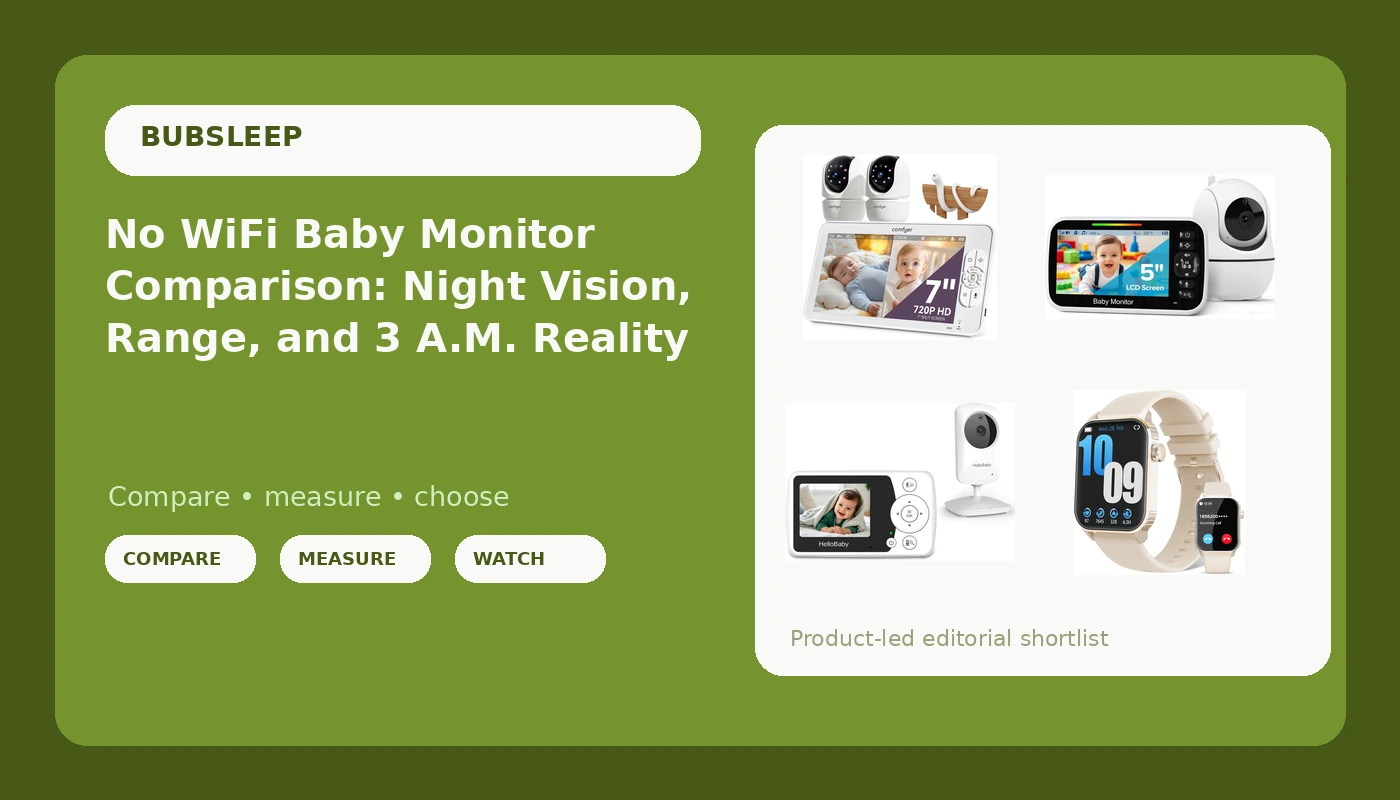
I have been a pediatric nurse for nine years and a mom of two kids under five, which means I have logged more nights watching a baby monitor than I have spent sleeping. My first registry monitor taught me the lesson that runs this entire site: a camera that cannot see in the dark is a radio with a screen. So this no WiFi baby monitor comparison is built the way I actually shop. It starts with night vision, moves to range, and ends with the parent unit, because that handheld screen is the part you live with at 3 a.m.
Related: Baby Monitor Night Vision Explained
The best pick for most families in this group is the Comfyer BM01 7 inch split-screen, because two cameras feeding one parent unit covers two kids without putting two receivers on your nightstand. The best value is the HelloBaby 2.4 inch, which does the essential job for the price of a couple of takeout dinners. The GoodBaby 5 inch is the sensible middle. And the fourth item here is a smartwatch, which is not a baby monitor, and I am not going to pretend that it is.
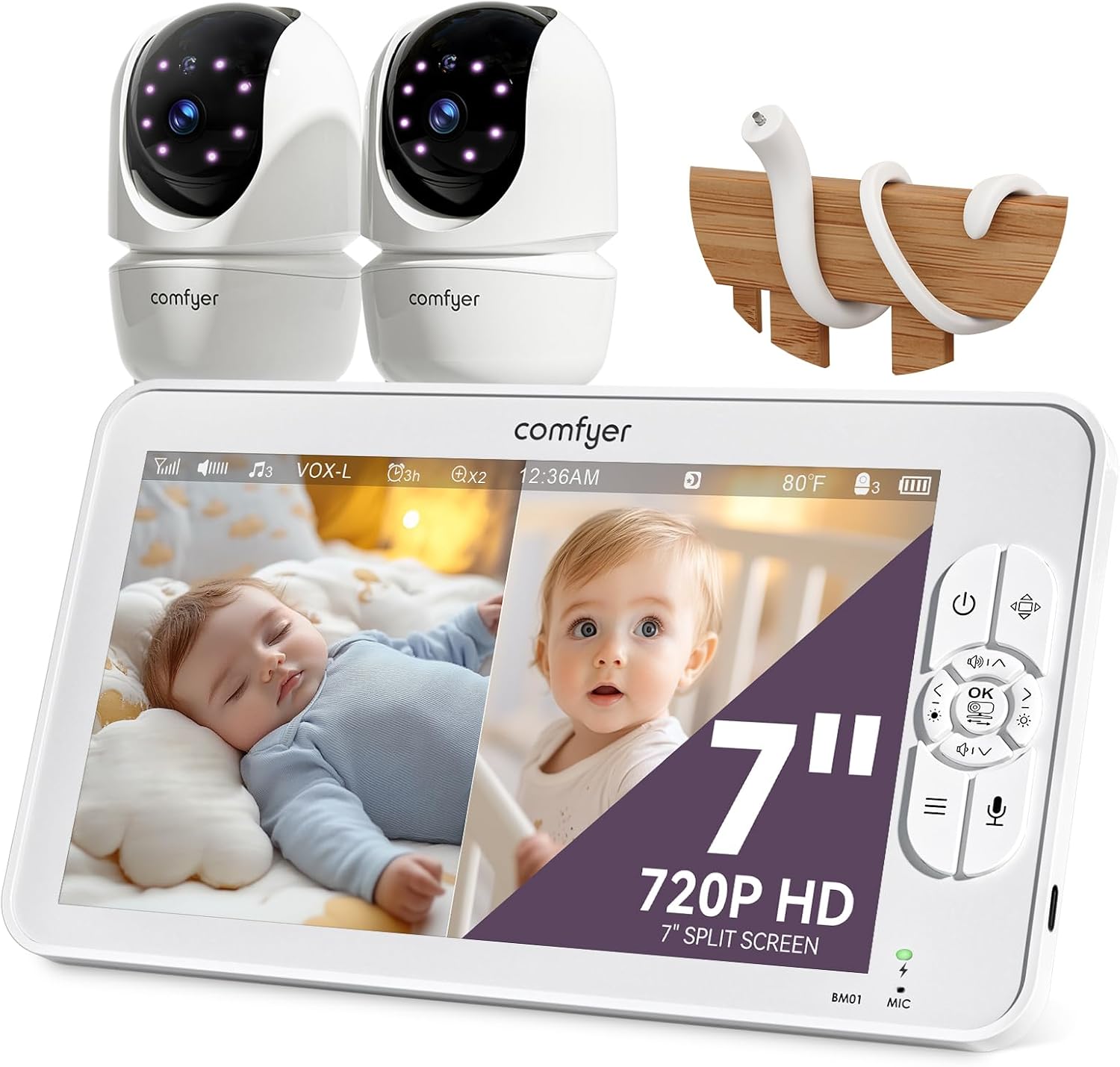
Comfyer BM01 7" Split-Screen Baby Monitor with 2 Cameras and Audio No WiFi
Two cameras on one 7 inch parent screen, so a single unit covers two rooms, and local RF means no router in the chain
The most expensive pick here, and the split screen only earns its keep if you genuinely have two rooms to watch
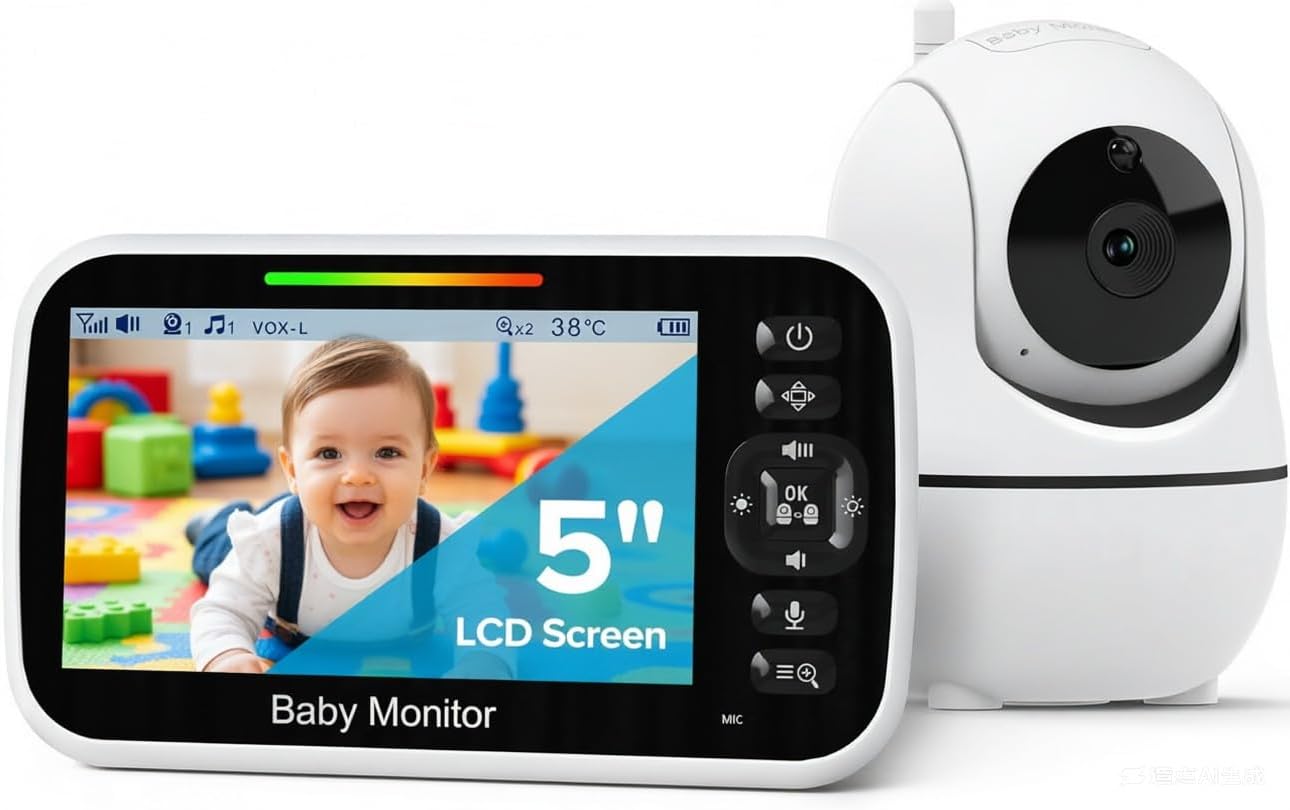
GoodBaby 5" Baby Monitor with Camera and Audio No WiFi
A 5 inch screen is a real step up from the tiny units, and it keeps the no WiFi, local RF simplicity
One camera, so it does not grow with a second kid, and it sits between two picks without a specialty
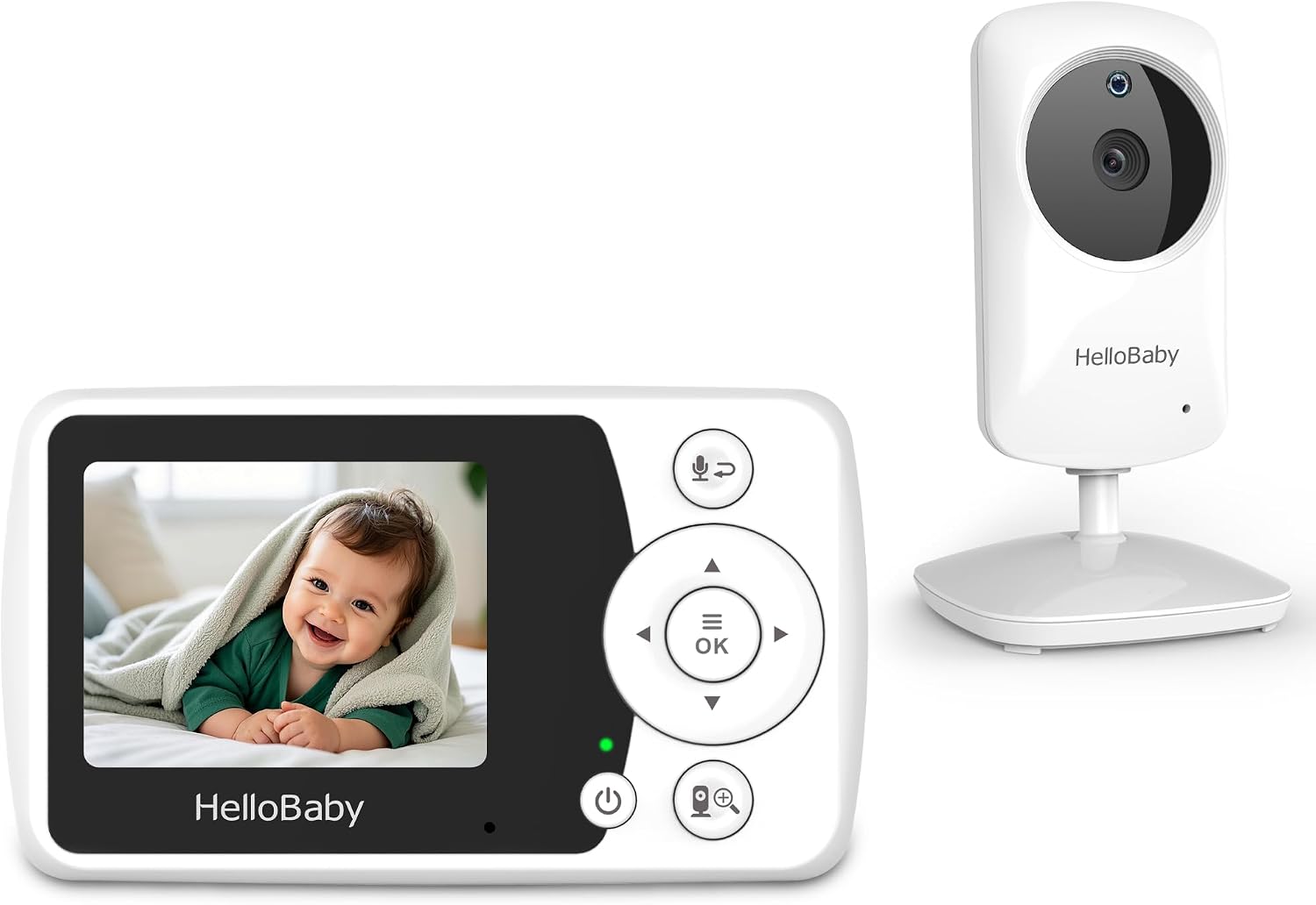
HelloBaby 2.4" Video Baby Monitor with Camera and Audio
The cheapest route to a dedicated camera and parent unit with no phone, no app, and no subscription
A 2.4 inch screen is small, and small screens are hard to read when you are half asleep
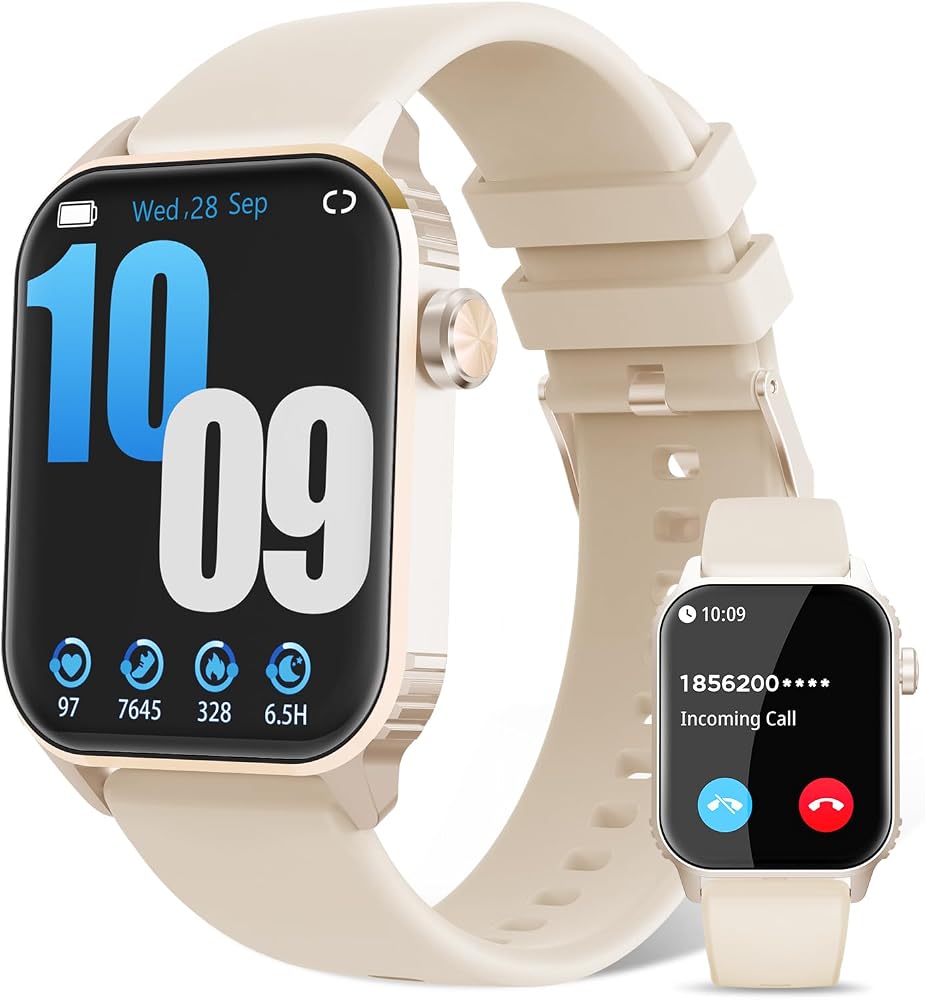
Smart Watches for Women, 120 Sports Modes Smartwatch with 1.83 inches HD Display, Heart Rate/Sleep Monitor, IP67 Waterproof, Bluetooth Call & Music Control for iPhone/Android Rose Gold
Tracks heart rate and sleep, takes Bluetooth calls, and is IP67 water resistant, which is more than any monitor here manages
It cannot see your baby. No camera, no parent unit, no nursery coverage
Prices and availability were captured from Amazon Creators API and may change.
How I test a monitor before I trust it with my kid
Every monitor that comes into this house gets the same treatment, and none of it happens during daylight. I run units through full nights rather than a daytime demo, because a camera that looks fine at noon tells you nothing about the infrared mode. I do a pitch-dark check with the room sealed and the hallway light off, since that is the only honest way to judge night vision. I do a range test from the kitchen, because the kitchen is where I actually am when the baby is asleep, and a feed that drops while I am reheating coffee is worthless to me. And I run the parent unit down through a night to see how the battery behaves, because a parent unit that dies at 2 a.m. turns a monitor into a decoration.
That is the whole framework. Three questions decide everything: can I see the baby in pitch dark, can I hear the baby from the kitchen, and will the parent unit survive until morning. Everything below is sorted through those three questions, not through a spec sheet.
Night vision is the feature, not a spec sheet line
If you take one thing from this comparison, take this: night vision is not a bonus feature, it is the product. During the day, almost any camera works. At 2 a.m., your nursery is a black box, and the only thing that matters is whether the infrared array throws enough light for you to see a chest rise and fall. A monitor that gives you a grey, grainy smudge is not giving you reassurance, it is giving you anxiety with a screen attached.
This is why I do not rank monitors by resolution. A sharp daytime image is nice for the grandparents. A usable dark image is what keeps you from walking down the hall forty times a night to check breathing. The difference between a monitor with real night vision and one without is the difference between sleeping in your own bed and sleeping in a chair next to the crib.
When you are comparing these units, the night vision question should be the first filter you apply, not the last. Filter on it, and the field narrows fast.
Range and the local RF question
Range matters more than resolution, and I will say that in every article I write until it stops being true. A 1080p feed that drops when you walk into the kitchen is a screensaver with anxiety. What you want is a link that holds from the far corner of the house, through at least one wall, without a stutter.
This is where local RF earns its keep. Local RF means the camera talks directly to the parent unit over a dedicated radio link, no router, no cloud, no app, no subscription. It is not fancy. It is also the reason it never buffers. When your Wi-Fi hiccups at 3 a.m. because the neighbor's router decided to have opinions, a local RF monitor does not care. The feed stays up.
The trade-off is real: local RF usually means no remote viewing from your phone when you are at work, and no cloud clips to scroll through later. If you want to check in from the office, that is a genuine limitation. If what you want is a monitor that works every single night without drama, it is the opposite of a limitation. All three baby monitors in this comparison are no WiFi, local RF units, which is not a coincidence.
The parent unit is the product
Here is the thing nobody tells you before your first baby: you do not watch the camera, you hold the parent unit. It goes on the nightstand, in the bathroom, on the kitchen counter, in your pocket while you fold laundry. A monitor with a brilliant camera and a terrible parent unit is a failed device. Full stop.
So when I evaluate a parent unit, I am looking at three things. Screen size, because a 2.4 inch display at 3 a.m. with one eye open is a different experience than a 7 inch display. Ergonomics, because buttons you cannot find in the dark are buttons you will not use. And battery behavior, because the whole point is that it runs all night while you do not.
Everything else, the app, the cloud features, the sleep analytics, is secondary to those three. This is the section where most buying decisions actually get made, and most spec sheets completely ignore it.
Comfyer BM01 7 inch split-screen: the two-kid answer
The Comfyer BM01 is the pick here that solves a problem the others cannot: two cameras, one 7 inch parent screen, split view. If you have a toddler and a newborn, that is the entire ballgame. One unit on the nightstand, two rooms covered, no juggling a second receiver or a phone in the dark.
The 7 inch screen is the largest in this group, which matters more than you would think for the split-screen setup. Two feeds side by side on a small display becomes two feeds you cannot really read. On a screen this size, both rooms stay legible at a glance, and a glance is all you get before you fall back asleep.
It is also the most expensive monitor in this comparison, and I am not going to pretend the price is nothing. If you have one baby in one room, you are paying for a second camera you will not use. If you have two, the math flips hard, because this replaces two separate monitors with one device. Visit on Amazon →
GoodBaby 5 inch: the middle of the road, on purpose
The GoodBaby 5 inch is the compromise pick, and I mean that as a compliment rather than a shrug. A 5 inch parent screen sits comfortably between the tiny budget units and the big split-screen setup. It is big enough to actually see a face, and small enough to sit on a crowded nightstand without shoving your water glass off the edge.
It is a single-camera, no WiFi, local RF monitor, which means it inherits the reliability of the category. No app, no account, no monthly fee to look at your own child. You plug it in, you pair it, you are done, and it works the same way on night four hundred as it did on night one.
What you give up is growth. One camera means when the second baby arrives, this unit stays in one room and you go shopping again. If you are planning one kid, or you are buying for a single nursery and a hallway you can hear from anyway, that trade-off is fine. Visit on Amazon →
HelloBaby 2.4 inch: the budget pick that keeps its promises
I have a soft spot for the HelloBaby 2.4 inch, because it does the one thing that matters at a price that does not require a conversation with your partner. Camera, parent unit, audio, video, no WiFi, no subscription. That is 90 percent of what the expensive monitors do, and the 2.4 inch screen is the honest reason it costs what it costs.
The small screen is the real limitation, and I will not paper over it. At 3 a.m., with one eye open, a 2.4 inch display asks more of you than a 5 inch or 7 inch panel does. You lean in. You squint. You may briefly wonder whether that shape is a foot or a shadow.
For a parent who wants a dedicated monitor without a phone, without an app, and without a recurring charge, this is where I would start. It is also the pick I recommend to grandparents setting up a crib room, and to anyone buying a second monitor for a guest room. Visit on Amazon →
The smartwatch in this comparison, and why I am including it
Now the honest part. The Rose Gold smartwatch in this table is not a baby monitor. It has no camera, no parent unit, and no way to show you a nursery at 3 a.m. It tracks heart rate and sleep, offers 120 sports modes, takes Bluetooth calls, and carries an IP67 water resistance rating, and it does all of that on a 1.83 inch HD display.
It is in this comparison because it keeps landing in the same shopping cart as baby gear, and I understand why. A wearable that tracks sleep is tempting when you are sleeping in ninety minute stretches and want some evidence of what happened to the night. Parents also buy it as a gift, for a shower, for a birthday, for themselves.
Here is my line on it. A sleep tracker is not a monitor, and it will never tell you whether your baby is breathing. Buy it if you want a wearable that handles calls and counts your steps. Do not buy it thinking it covers the nursery, because it does not. Nothing about it replaces a camera and a parent unit. Visit on Amazon →
Trade-offs: what you give up at each step
The pattern in this group is simple. The HelloBaby gives you the lowest entry into a real monitor and asks you to accept a small screen. The GoodBaby gives you a bigger screen and one camera, and asks you to accept that it will not grow with a second child. The Comfyer gives you two cameras and the biggest parent screen, and asks you to pay for both.
None of them give you remote viewing from your phone, because none of them are WiFi monitors. That is the category trade, and I want it stated plainly rather than buried. You are giving up cloud clips, remote check-ins from work, and app-based features. You are getting a dedicated radio link that does not care whether your internet is up.
The smartwatch is not part of that trade at all. It is a different product that happens to share a shopping list with baby gear. Treat it as a wearable, not as a nursery device.
Who should buy which
Buy the Comfyer BM01 if you have two children in two rooms, or you are expecting a second and you know you will want both on one screen. It is the only pick here that solves that problem, and solving it once is cheaper than buying two separate monitors.
Buy the GoodBaby 5 inch if you have one nursery and you want a screen that is genuinely readable at 3 a.m. without stepping up to the largest, priciest unit in the group.
Buy the HelloBaby 2.4 inch if you want the essentials, a camera and a dedicated parent unit, with no app, no account, and no subscription, and you would rather spend the difference on diapers.
Buy the smartwatch if you want a wearable for sleep and heart rate tracking and calls. Do not buy it as a monitor. It is not one.
The bottom line
Night vision first, range second, parent unit third. Sort every monitor through those three questions and the marketing noise falls away. The Comfyer BM01 wins this comparison for two-kid households because it covers two rooms on one screen with a local RF link. The HelloBaby wins on value. The GoodBaby wins on being the reasonable middle. And the smartwatch is a fine wearable that belongs nowhere near a crib.