Related: Night Vision Is the Whole Product: How to Check a Monitor Before You Buy
I have worked nights as a pediatric nurse for nine years, and I have two kids under five, so the baby monitor night setup in my house has been rebuilt more times than I can count. Every rebuild taught me the same lesson: the camera is only half the room. The other half is you, the adult in the glider or the desk chair at 3 a.m., holding a baby in one arm and trying to see a screen with the other.
Most nursery lists stop at the camera. This one does not. The four pieces below cover both halves of the room. One sits at the crib. Two exist to put a screen where your eyes actually are. The last one is a rowing machine, which sounds like a joke until you have spent a year awake at night and realized the person doing the watching needs maintenance too.
I am not going to pretend I ran a full night test on every unit here, and I am not going to dress up a spec sheet as experience. What I can do is tell you what I check before anything earns a spot in a nursery, what each piece is actually for, and where the cheap option is genuinely fine.
The crib piece: a movement monitor with vibration alerts
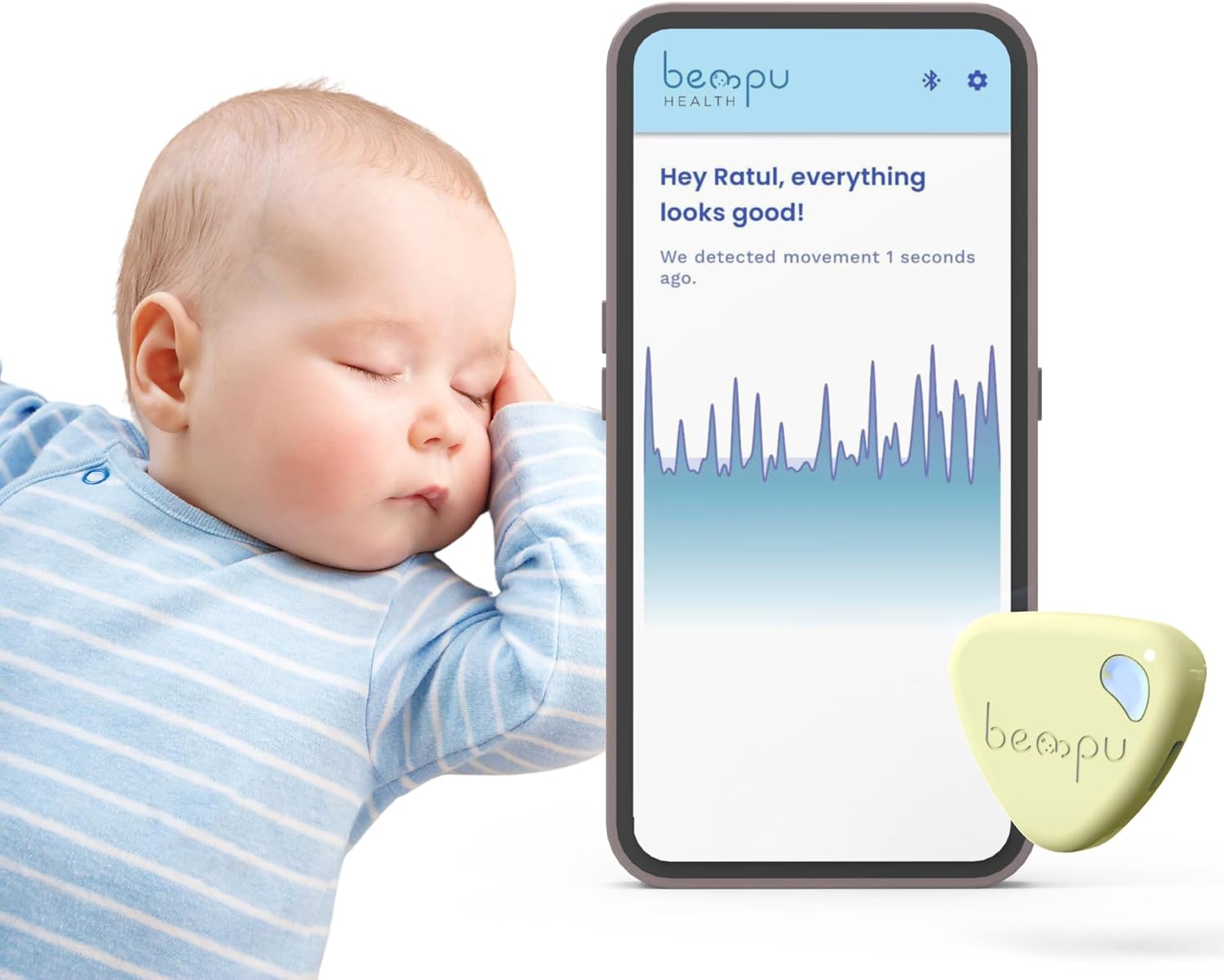
This is the only true baby product in the list, and it does a different job than a camera. A camera shows you what you can already see. A movement monitor watches the small movements babies make in sleep and alerts you when the pattern changes, which is information you cannot get from the kitchen. The vibration alert matters more than it sounds. Plenty of parents turn the volume down so the toddler in the next room stays asleep, and a monitor that can reach you physically rather than only audibly is the difference between an alert and a light show.
Three things to check before you buy. First, how it attaches. Movement monitors in this category attach in different ways, and only some of those will work with the crib you own, so read that part before you order rather than after. Second, whether any part of the feature set sits behind a subscription. My rule is simple: if I cannot see or hear my own baby without paying monthly, the monitor is a rental, not a purchase. Third, how strong the alert really is. A vibration alert you cannot feel through a mattress or a chair cushion is not an alert.
And the nurse in me has to say this out loud: no monitor prevents SIDS. Following the safe sleep guidelines does. A movement monitor is a layer of information, not a substitute for a firm mattress, a flat surface, and nothing in the crib but the baby.
The cheap fix for the parent side: a single monitor arm
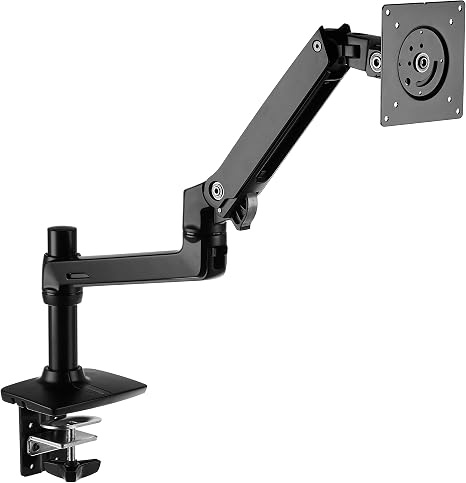
At 3 a.m. you have one free hand. That is the entire design brief for a nursery desk. A screen lying flat on a surface is at the wrong angle for a person holding a baby, so you crane your neck, or you tilt the whole laptop toward your face, or you give up and look at nothing. This single monitor stand from Amazon Basics is the budget answer: a black, single arm lift mount that clamps to a desk and raises one screen to eye level.
In a nursery, that desk is usually a small one beside the glider, and the screen is whatever you use to check the feed, read a chart, or watch something at low volume during a feed. Four things to verify before ordering. The thickness of your desk where the clamp lands. The weight of your screen. The VESA pattern on the back of the display. And how much reach you need to get the screen where you want it.
Cheap arms are cheap for a reason, and the joint is the part that gives out. That is fine for a screen you set once and leave alone.
The upgrade: an arm that stays where you put it
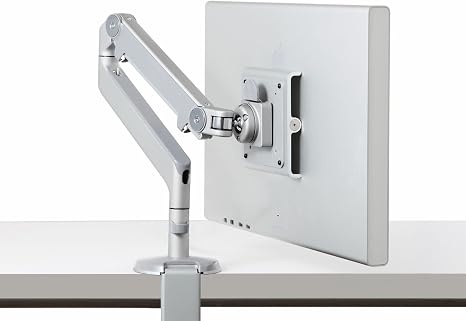
The Humanscale M2 is a fixed angled and dynamic arm with a standard ball joint, and the difference between it and a budget arm shows up on the four hundredth adjustment, not the first. A dynamic arm holds its position instead of drifting, and a ball joint means you can nudge the screen with a knuckle while you are holding a baby rather than setting the baby down to fight a sagging joint at 4 a.m.
Check the weight range against your display, check whether your desk takes a clamp or needs a grommet, and check that the desk edge is solid enough to carry the load. If you mount a screen once and never touch it again, save your money and take the Amazon Basics arm. If you move that screen every single night, this is where the money belongs.
The wildcard: the parent's own monitor
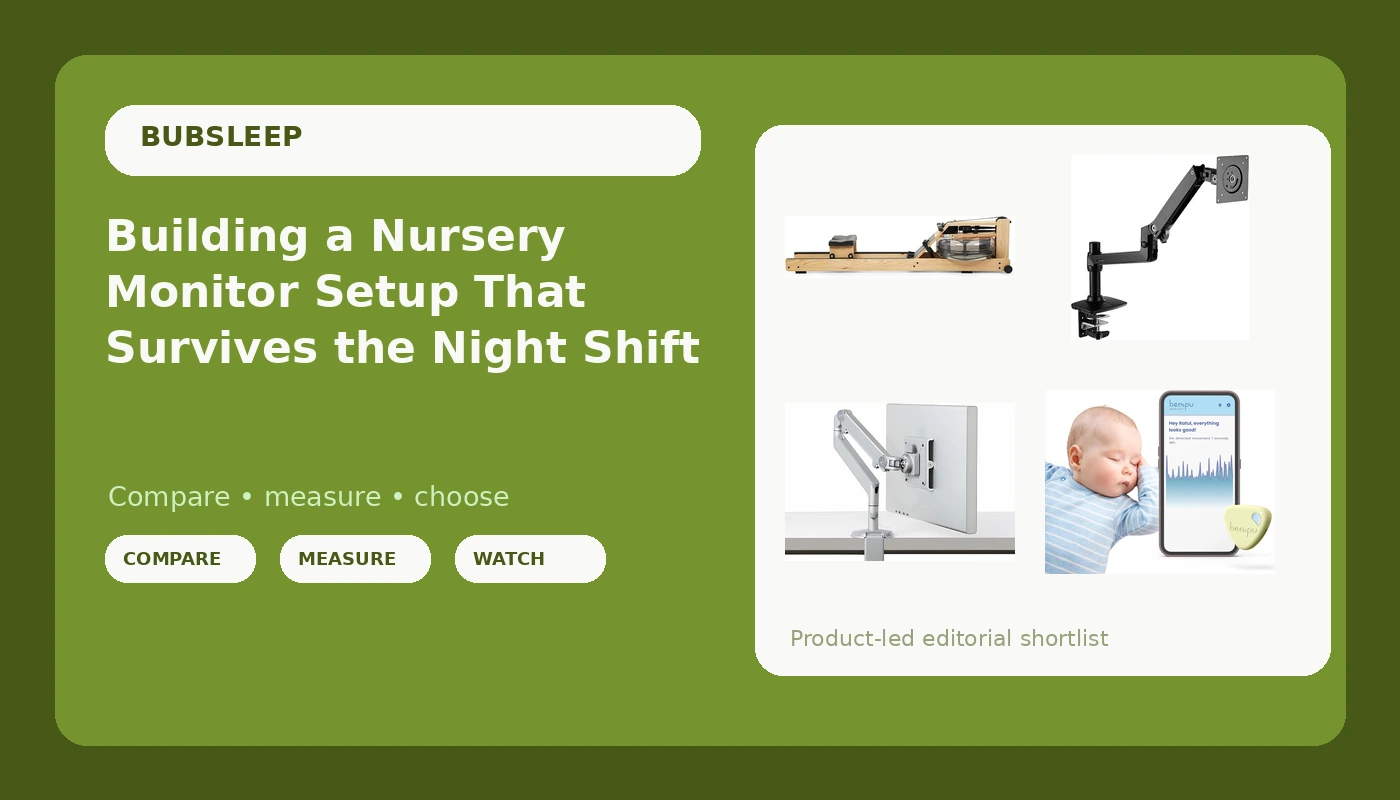
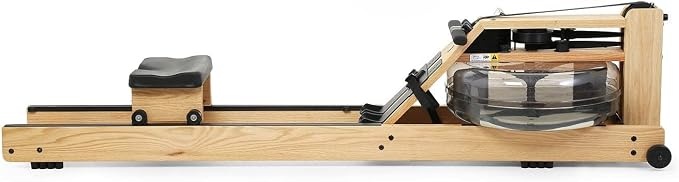
This is not a baby product, and I am not going to pretend it is. I am including it because the parent half of the room breaks down quietly, and nobody puts that on a registry. A rowing machine is one of the few full-body movements you can do at home inside a short window while a baby naps, and water resistance is the style people choose when noise matters, which it always does in a house with a sleeping child in it. This one is made in the USA and handcrafted in wood, which matters if the machine has to live in a room you actually spend time in, and the S4 monitor pairs over Bluetooth so the numbers land on your phone. That is the second kind of monitor in this guide: the one that watches you.
What to check before you buy: the floor space it needs, the clearance for the pull, where it lives when it is not in use, and whether you will actually row or just drape laundry over it. Honest answer for most people: the machine you can see is the machine you use. If the only spot for it is the garage, buy something else.
How I judge anything that goes in a nursery
Five checks, every time. Does it work when the Wi-Fi drops? Local RF first, always, because a router hiccup at 2 a.m. is not a feature. Can you see in pitch dark? Night vision is the feature, and a monitor that cannot see in the dark is a radio. Does the alert or the parent unit survive the whole night? Can you operate it one-handed, in the dark, half asleep? And does any basic feature require a subscription? If the answer to that last one is yes, walk away.
What actually breaks at 3 a.m.
The camera is rarely the failure. The failure is a screen sitting at the wrong height, so you spend a year with a crick in your neck. It is an alert you slept through because it was a beep instead of a buzz. It is a subscription that lapses mid-feed, or a router that hiccups during the one stretch of night you were counting on. It is a monitor arm that sags an inch a week until the screen is aimed at the wall. And it is the exercise machine in the garage, the one you bought for the version of yourself that had free time.
Notice the pattern. Almost every failure is on the adult side of the room, which is why this guide is half nursery gear and half parent gear.
The reference table: what each piece does in the room
Here is the same list in one place, with the job each piece does and the thing to verify before you order.
| Product | Where it lives | What it does for you | What to check | Price |
|---|---|---|---|---|
 Visit on Amazon → Baby movement monitor |
The crib side of the nursery | Watches sleep movement patterns and can reach you with a vibration alert | How it attaches, subscription status, alert strength | $69.99 |
 Visit on Amazon → Amazon Basics single monitor stand |
The small desk beside the glider | Lifts one screen to eye level so you are not hunched with a baby in one arm | Desk thickness for the clamp, screen weight, VESA pattern | Check current Amazon price |
 Visit on Amazon → Humanscale M2 monitor arm |
The desk you adjust every night | Holds a screen where you put it and moves with one knuckle | Weight range, clamp or grommet mounting, desk edge strength | $355.00 |
 Visit on Amazon → WaterRower with S4 BLE monitor |
The corner you can spare | Quiet full-body work during naps, with your own numbers on the S4 monitor | Floor space, storage spot, Bluetooth pairing | $1,324.00 |
The table is short on purpose. Four pieces, four jobs, and a column of things to verify before you spend anything. If a product cannot answer the check column, it does not belong in the room.
Should you buy the baby movement monitor?
If you want information a camera cannot give you, yes, and the vibration alert is the part that makes it useful in a house where the volume stays low so the toddler sleeps. Verify how it attaches to your crib, verify that nothing basic sits behind a subscription, and keep following safe sleep guidelines. A monitor is a tool for watching. It is not a guarantee, and any product that tells you otherwise is selling you fear.
Should you buy the Amazon Basics single monitor stand?
Yes, if your current setup is a screen lying flat on a desk and you feed at night with one hand free. It is the cheapest way to fix the ergonomics of a nursery desk, and the fix is real: eye level beats counter level every time. Check the clamp against your desk thickness and the weight rating against your display before you order, and accept that a budget joint will need occasional re-aiming.
Should you buy the Humanscale M2?
Yes, if you adjust your screen nightly and you are tired of re-aiming it. This is the arm for someone who has already owned a cheap one and knows exactly where it failed. If you set your screen once and forget it, the Amazon Basics stand handles that job and you can put the difference toward the crib piece instead.
Should you buy the WaterRower?
Yes, if you have the floor space and you will actually use it. Water resistance is the choice for noise-sensitive homes, the S4 monitor keeps your own numbers in front of you, and the wood build means it can live in a room that is not a gym. If the only place it fits is out of sight, skip it. A rowing machine you never see is a very expensive coat rack, and the parent half of the room deserves better than that.