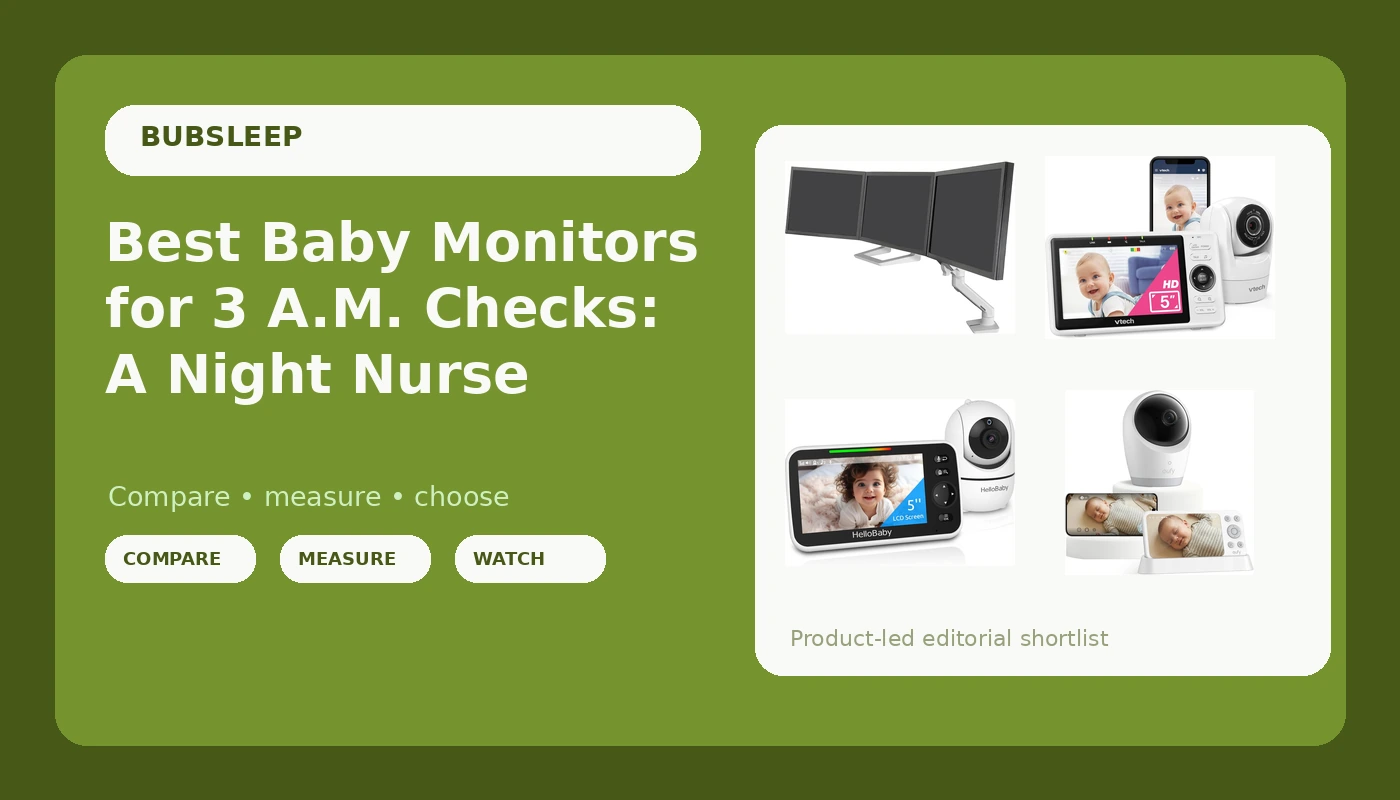
At 3 a.m., a monitor has exactly one job: let you see and hear your baby without getting out of bed, and without making you guess what you are looking at. Most shopping advice skips that part and reads like a spec sheet instead. These baby monitor picks come at it from the other direction, starting with what actually happens in a dark room. How does the camera render a sleeping baby? Does the parent unit survive until morning? What happens when the router hiccups at 2 a.m. and the feed freezes on a blanket instead of a face?
This guide compares four baby monitors in the current lineup, from a plain 5-inch screen at the low end to a 4K camera that skips Wi-Fi entirely at the top. Two non-monitor items turned up in the same product set, a triple display mounting kit and a book, and they are labeled honestly below so nobody buys a paperback expecting a camera. Everything here is drawn from manufacturer product details, not from a lab test, and prices move constantly, so confirm the details on the retailer page before you commit.
Related: Baby Monitor Range and Night Vision Explained
Quick answer
The eufy Baby Monitor E21, 4K UHD Camera, 5" 720p Screen, No Wi-Fi is the strongest fit for parents who want the sharpest camera in this group on a local connection that does not depend on the router because it pairs a 4K UHD camera with a 5-inch 720p parent screen and no Wi-Fi requirement. Choose the VTech Smart WiFi Baby Monitor VM901 instead when you want to glance at your baby from your phone anywhere through the free app.
Baby monitors and parent-room extras worth comparing
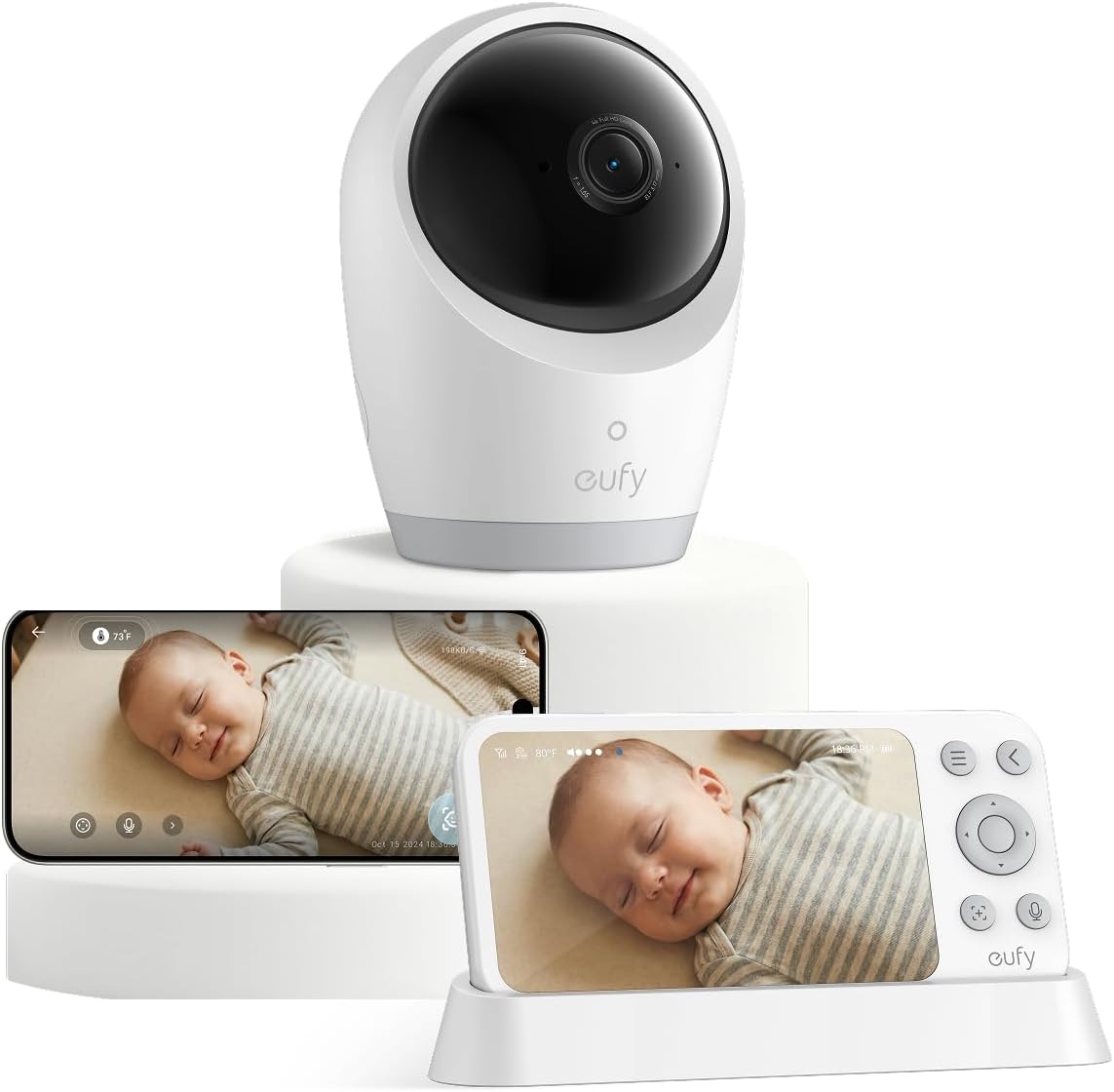
eufy Baby Monitor E21, 4K UHD Camera, 5" 720p Screen, No Wi-Fi
A 4K UHD camera paired with a 5-inch 720p parent screen and no Wi-Fi connection, so the video feed stays on a local link instead of your home network.
Visit on Amazon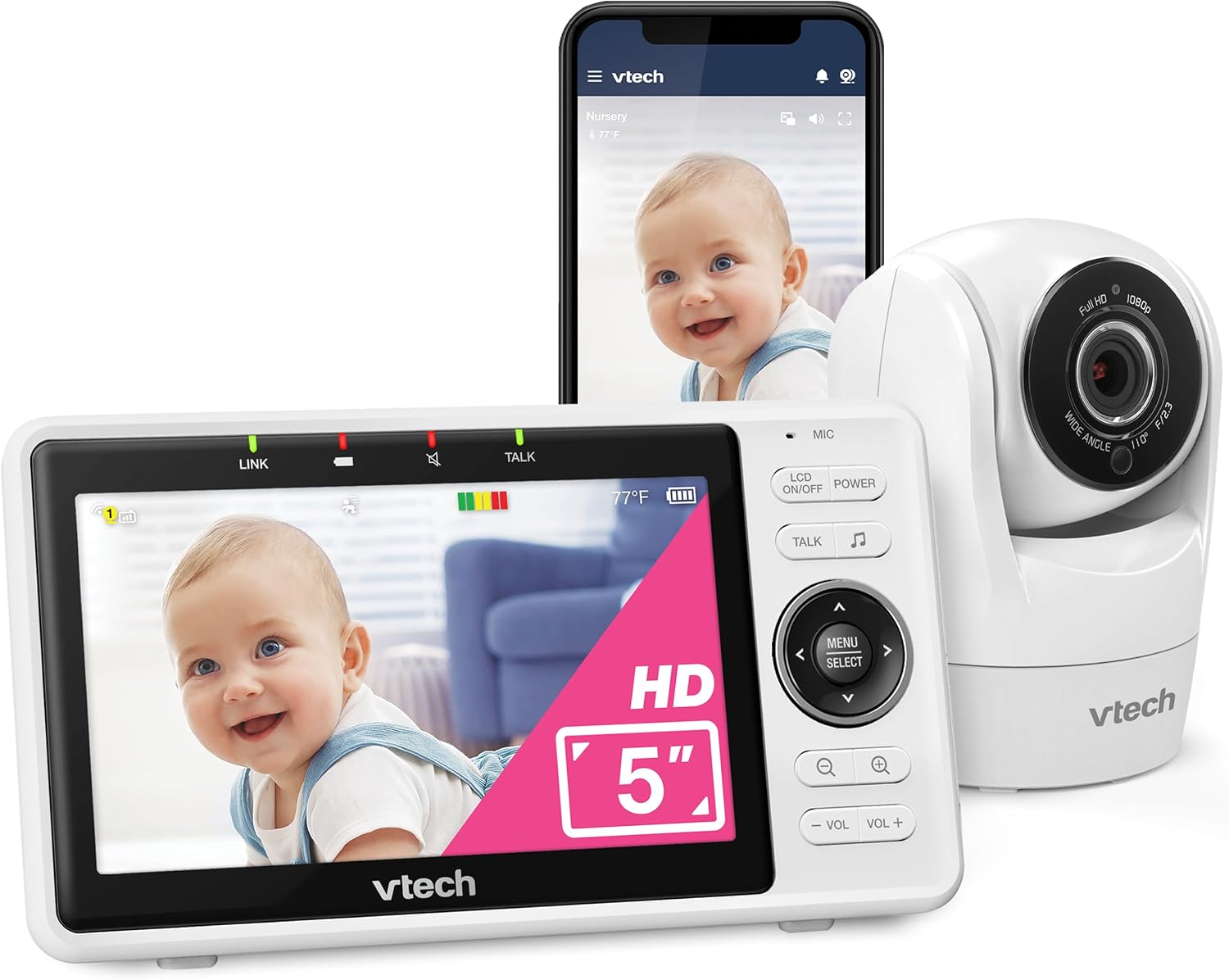
VTech Smart WiFi Baby Monitor, See Your Baby at Home or from Anywhere, Free App, 1080p Camera, 5" Screen, Pan-Tilt-Zoom, Night Vision, Two-Way Talk | VM901
A 1080p camera with a 5-inch screen, pan, tilt and zoom control, night vision, two-way talk, and a free app for checking in when you are away from the house.
Visit on Amazon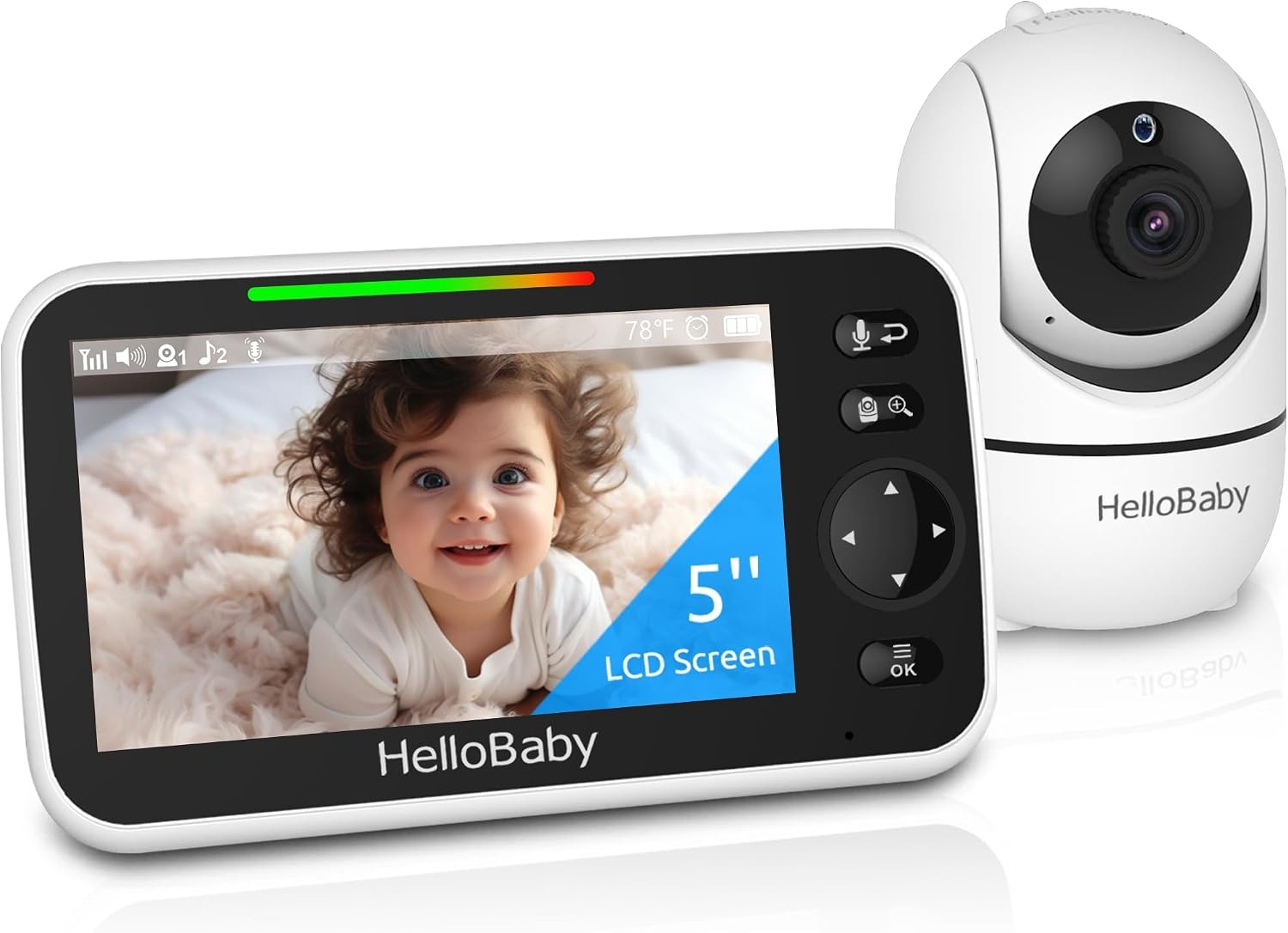
HelloBaby No WiFi Baby Monitor Camera and Audio HB6550, 5" Video Screen
A camera and audio monitor with a 5-inch video screen that runs without Wi-Fi, aimed at parents who want a simple handheld setup.
Visit on Amazon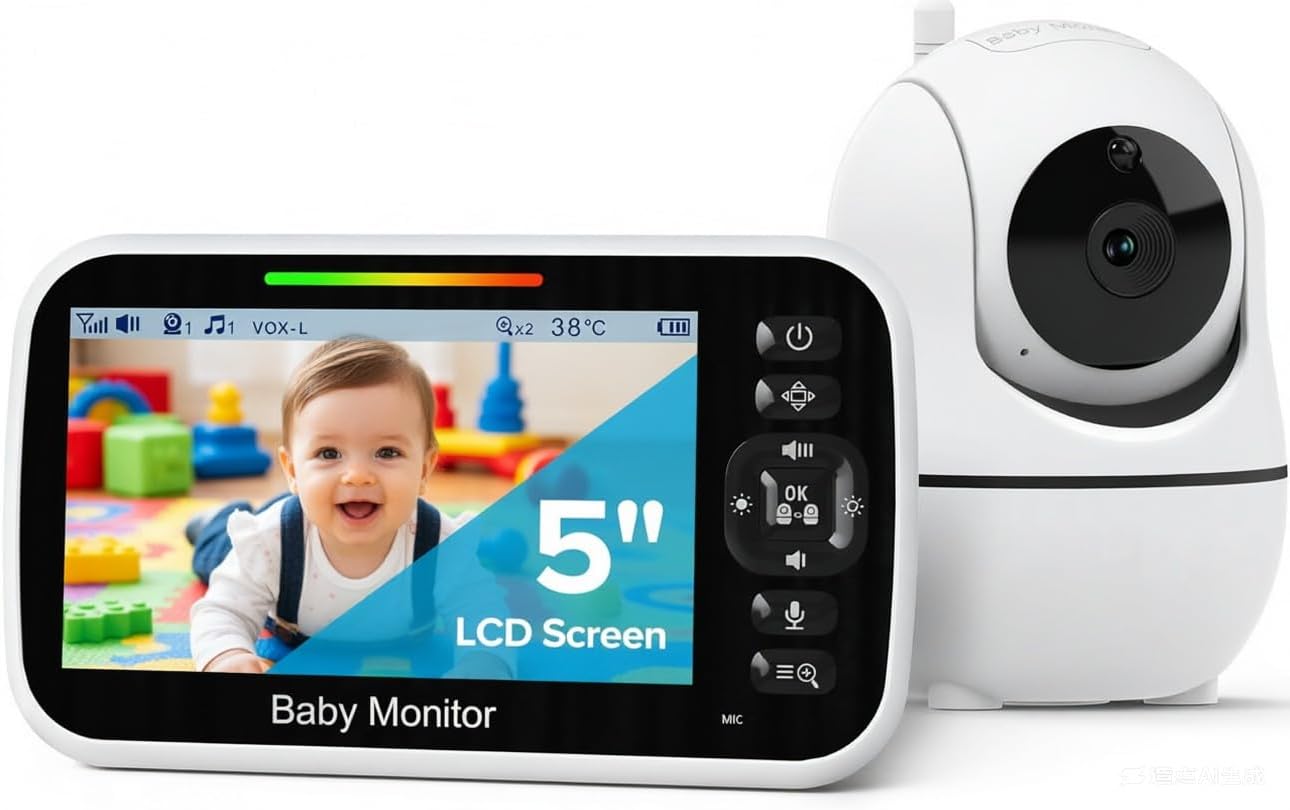
GoodBaby 5" Baby Monitor with Camera and Audio No WiFi
A no-Wi-Fi camera and audio monitor built around a 5-inch screen, positioned at the entry end of the category.
Visit on Amazon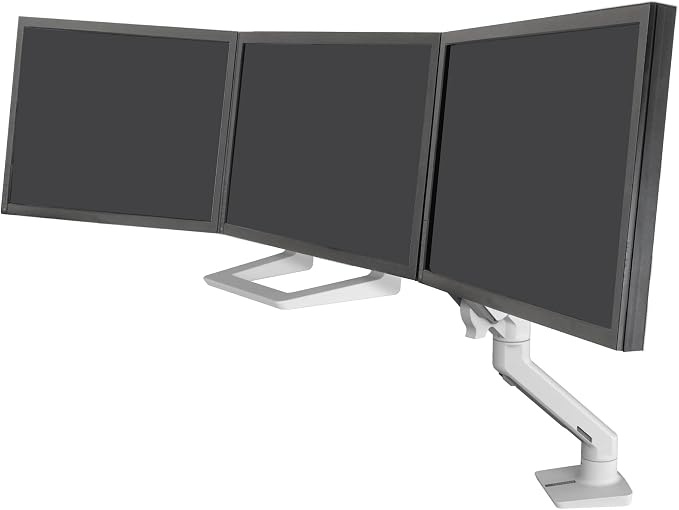
Ergotron HX Triple Monitor Bow Kit Fits up to 24" (2.7-13.8kg)
A mounting kit for up to three computer displays up to 24 inches each, rated for 2.7 to 13.8 kg. This is a desk accessory, not a baby monitor.
Visit on Amazon
Trust Me, Trust Me: Said the Serpent to Eve
A book. It is not a camera, a parent unit, or a nursery device, and it is listed here only because it appeared in the same product set as the monitors above.
Visit on AmazonPrices and availability may change. Check the retailer for current details.
How these products were compared
This guide compares camera resolution as stated by the manufacturer, the size and type of the parent screen, whether the monitor works over a local connection or over Wi-Fi, the camera controls and communication features each model lists, and whether any part of the experience depends on a paid subscription. Product names, images, and retailer links are matched by product code so that every card points to the exact item shown.
Two entries in the grid are not baby monitors: the Ergotron triple display bow kit is a mounting accessory for computer screens, and the other title is a book. They are included with plain labels rather than being dressed up as nursery gear, and none of the buying guidance below applies to them.
These comparisons reflect published product details and general nursery experience, not a hands-on lab test of each unit, and no performance numbers are claimed beyond what the manufacturer states. Prices and availability change often, so use the retailer link on any card to confirm the current price and return terms rather than relying on a figure printed in an article.
How to choose the right baby monitor
Start with the connection type, because it decides how the rest of your nights go. A local monitor sends video straight from the camera to the parent unit over a direct radio link. Nothing routes through your router, nothing buffers, and a Wi-Fi outage in your neighborhood does not touch it. The eufy E21, the HelloBaby HB6550, and the GoodBaby 5" monitor all sit in that local camp, with no Wi-Fi requirement. A Wi-Fi monitor like the VTech VM901 adds something the local units cannot do: a free app that lets you look in from your phone while you are at work, at the grocery store, or in the backyard. The trade is that your home network becomes part of the chain, so a weak router or a dropped connection becomes a monitor problem.
The parent unit is the part you actually touch at 3 a.m., and it deserves more attention than the camera. A 5-inch screen is the common size across all four monitors here, which is a workable size for a nursery nightstand, but check how the unit feels in one hand while you are half asleep and how the buttons are arranged for volume and brightness. Brightness control matters more than most parents expect, because a screen at full blast in a dark room lights up the whole bed. If the parent unit lives on a charger overnight, its battery behavior matters less, but if you carry it around the house during the day, that changes the calculation.
Think about field of view and camera control next. A camera that can pan, tilt, and zoom lets you follow a baby who has rolled to the far corner of the crib, and the VTech VM901 lists all three. A fixed camera is fine when you can mount it square to the crib and leave it there, which is often the more stable setup anyway. Whatever you pick, the camera position should be settled before the first night, not adjusted at 3 a.m. while your baby is half awake.
Night visibility is the feature that decides whether the monitor is useful or decorative. The VTech VM901 lists night vision as a stated feature, and that is the kind of claim worth verifying in your own nursery before you rely on it. Turn the lights off, close the blinds, and look at the feed with no lamp on. If you can see the rise and fall of a chest, you have a monitor. If you see a gray silhouette and a lot of guesswork, you have a radio with a screen.
Finally, check for subscriptions before you buy. A monitor that requires a monthly plan to unlock recordings, alerts, or basic viewing turns a one-time purchase into a recurring bill, and none of the local models here need one to show you video. The VTech app is listed as free, which keeps the remote viewing side simple. Read the fine print on any cloud feature you care about, and decide up front whether you are comfortable paying for it.
eufy Baby Monitor E21, 4K UHD Camera, 5" 720p Screen, No Wi-Fi
The eufy E21 is the top pick because it puts the highest camera resolution in this group on a connection that does not touch your home network. The camera is listed as 4K UHD, which gives you more detail in the frame, and the parent unit is a 5-inch screen at 720p resolution. Because there is no Wi-Fi requirement, the video feed travels on a local link between camera and parent unit, so a router reboot in the middle of the night is not something you have to think about.
The trade-off is exactly where you would expect it. Without Wi-Fi, there is no phone app and no remote viewing from outside the house, so if checking in from work matters to you, this is not the model for that job. The 5-inch screen is also 720p while the camera is 4K, which means the parent unit will not show every bit of the camera's detail. That is a normal split in this category, and it is worth knowing before you assume the screen matches the sensor.
Alternatives to consider
The VTech Smart WiFi Baby Monitor VM901 is better suited to parents who want remote viewing through a free app, since it combines a 1080p camera, a 5-inch screen, pan, tilt, and zoom, night vision, and two-way talk with the ability to check in from anywhere you have a connection. The HelloBaby No WiFi Baby Monitor Camera and Audio HB6550 is a stronger fit when you want a straightforward camera and audio monitor with a 5-inch video screen and no Wi-Fi in the mix at all.
The GoodBaby 5" Baby Monitor with Camera and Audio No WiFi covers the entry point of the category, with the same local, no-Wi-Fi approach and a 5-inch screen at the lowest position in this lineup. The Ergotron HX Triple Monitor Bow Kit and Trust Me, Trust Me: Said the Serpent to Eve are not baby monitors and are not alternatives to one; they are a computer display mounting kit and a book that happened to appear alongside these monitors in the same product set.
Day-to-day use and maintenance
Placement is the first maintenance decision and the one with the most consequences. Mount or set the camera so it has a clear, angled view of the crib and so the cable is well away from the crib, the reach of a standing toddler, and anything a child can pull. Cord safety around cribs is one of those things worth being strict about, because a monitor cable is not a toy and should never be within grabbing distance of the sleep space. If you can route the cable behind furniture or use a wall clip, do that on day one rather than planning to fix it later.
Keep the camera lens and the parent screen clean with a dry or barely damp microfiber cloth, and skip sprays that could seep into the housing. Wipe down the parent unit occasionally, because it collects the same fingerprints and spit-up residue as everything else in a nursery. If your model uses an app, keep it updated, since app updates often carry connection fixes and security patches. For the local models, keep the parent unit charged in its usual spot so you are not hunting for a dead screen at bedtime.
Battery habits deserve a mention because a parent unit that dies at 2 a.m. is the most common failure in this category. If you carry the unit around the house, top it up during the day and leave it on the charger overnight. If the screen brightness is adjustable, dial it down for night use, which is easier on your eyes and gentler on the battery.
Buying checklist
- Measure the distance from the crib to where the parent unit will live, and confirm the camera reaches that far in your layout.
- Choose local or Wi-Fi based on normal use rather than an occasional edge case, since one of those two will cover most of your nights.
- Confirm that the exact model includes the features you care about, such as pan and tilt, night vision, or two-way talk.
- Check whether any app feature requires a paid subscription before you count on it.
- Read the cleaning and maintenance instructions, and plan the cable route away from the crib.
- Verify the current retailer price, availability, and return terms through the link on the card you are considering.
Final recommendation
Choose the eufy Baby Monitor E21, 4K UHD Camera, 5" 720p Screen, No Wi-Fi when you want the highest camera resolution here on a local connection with no router in the path, and you are happy to keep your check-ins inside the house. Choose the VTech Smart WiFi Baby Monitor VM901 when remote viewing from your phone matters more than staying off the network, and you want night vision, pan, tilt, zoom, and two-way talk in the same package.
If neither of those fits, the HelloBaby HB6550 and the GoodBaby 5" monitor both cover the local, no-Wi-Fi approach with a 5-inch screen at the lower end of this lineup, and either is a reasonable starting point for a first nursery. The other two entries in the grid are not monitors at all and should not factor into a baby monitor decision.